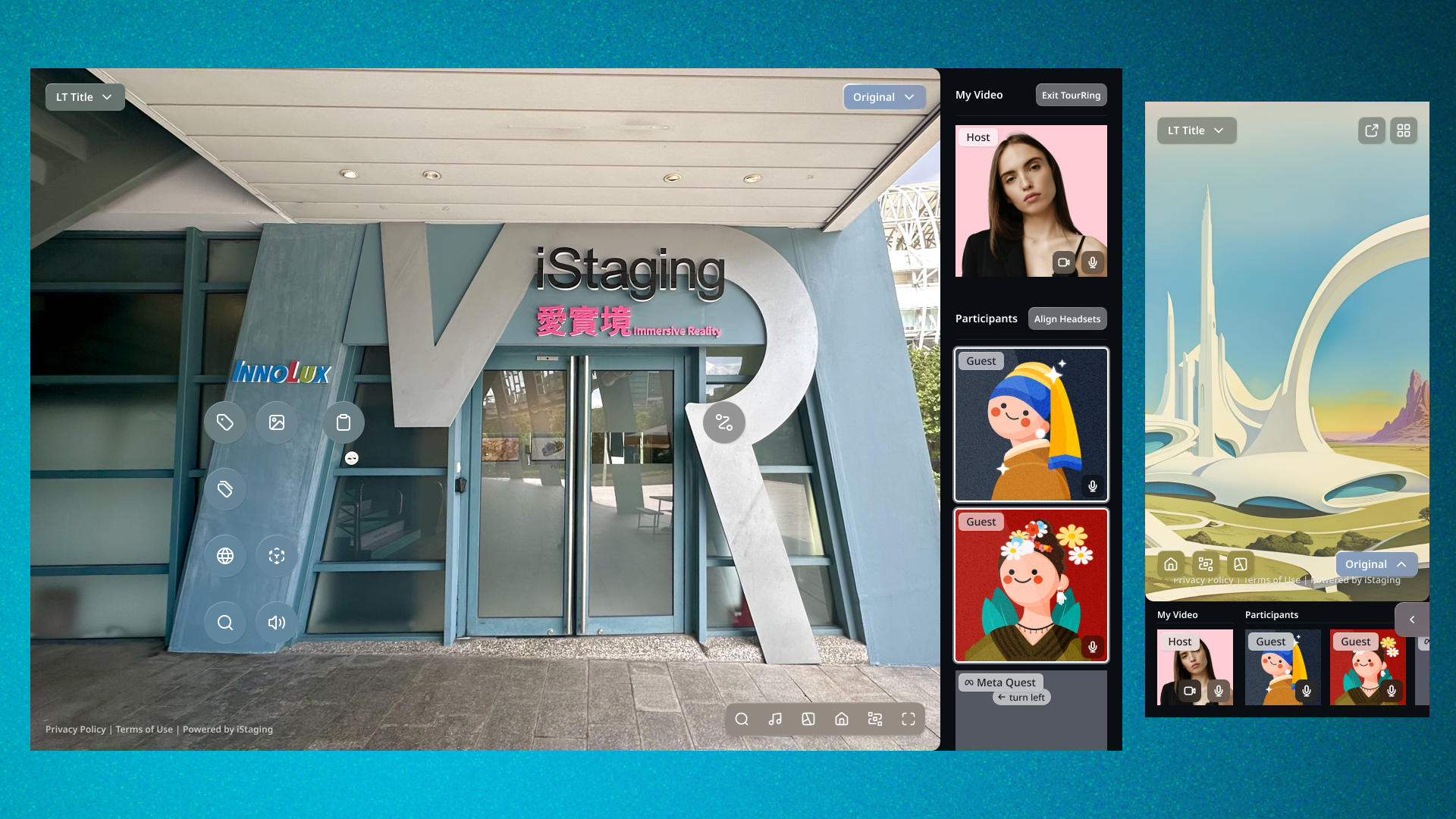
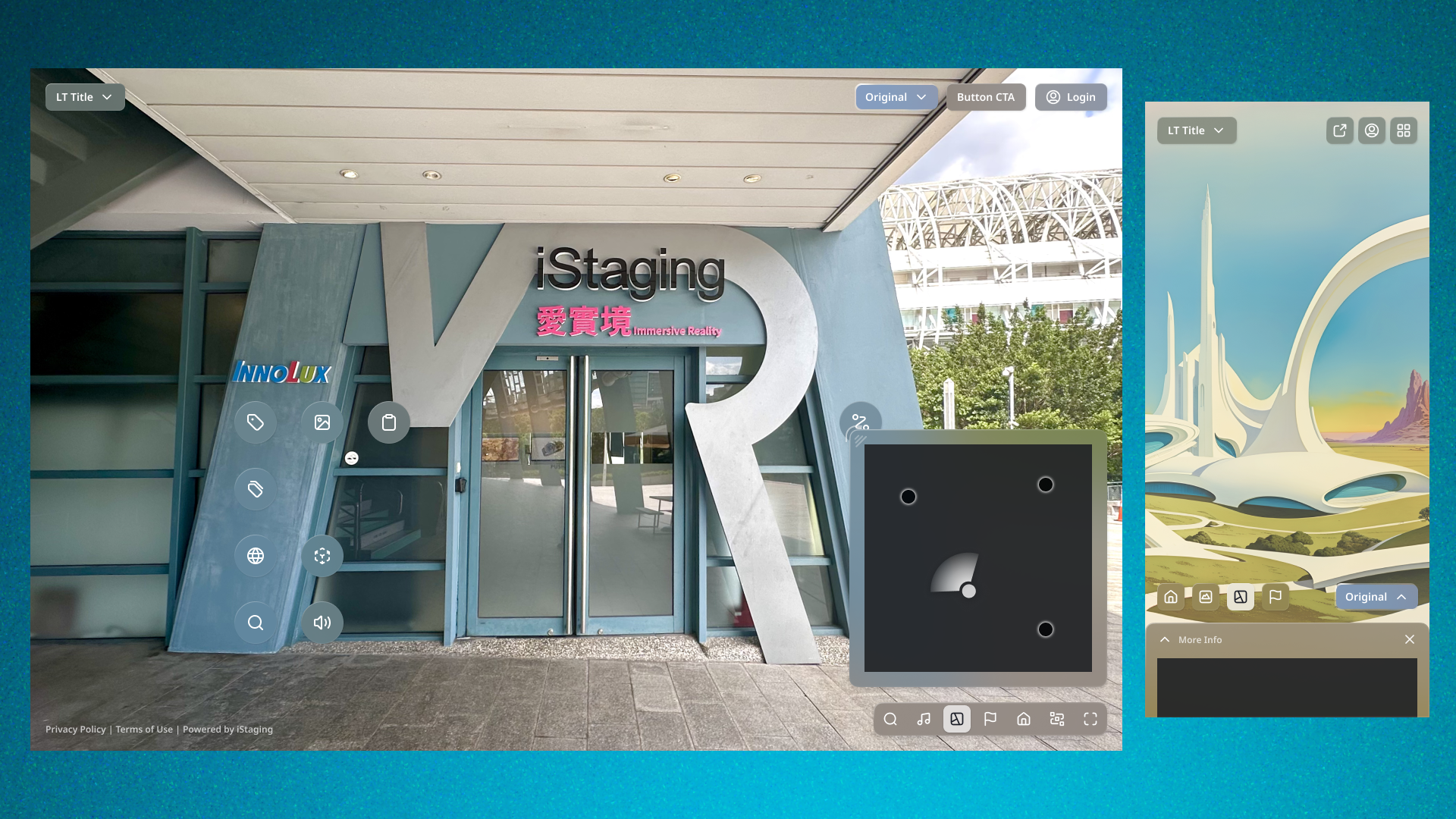
VR Maker Navigation — Clearing the View
A spatial redesign of the tour viewer's navigation — every control repositioned around human vision, and a Series feature that turns duplicate panoramas into curated groups.

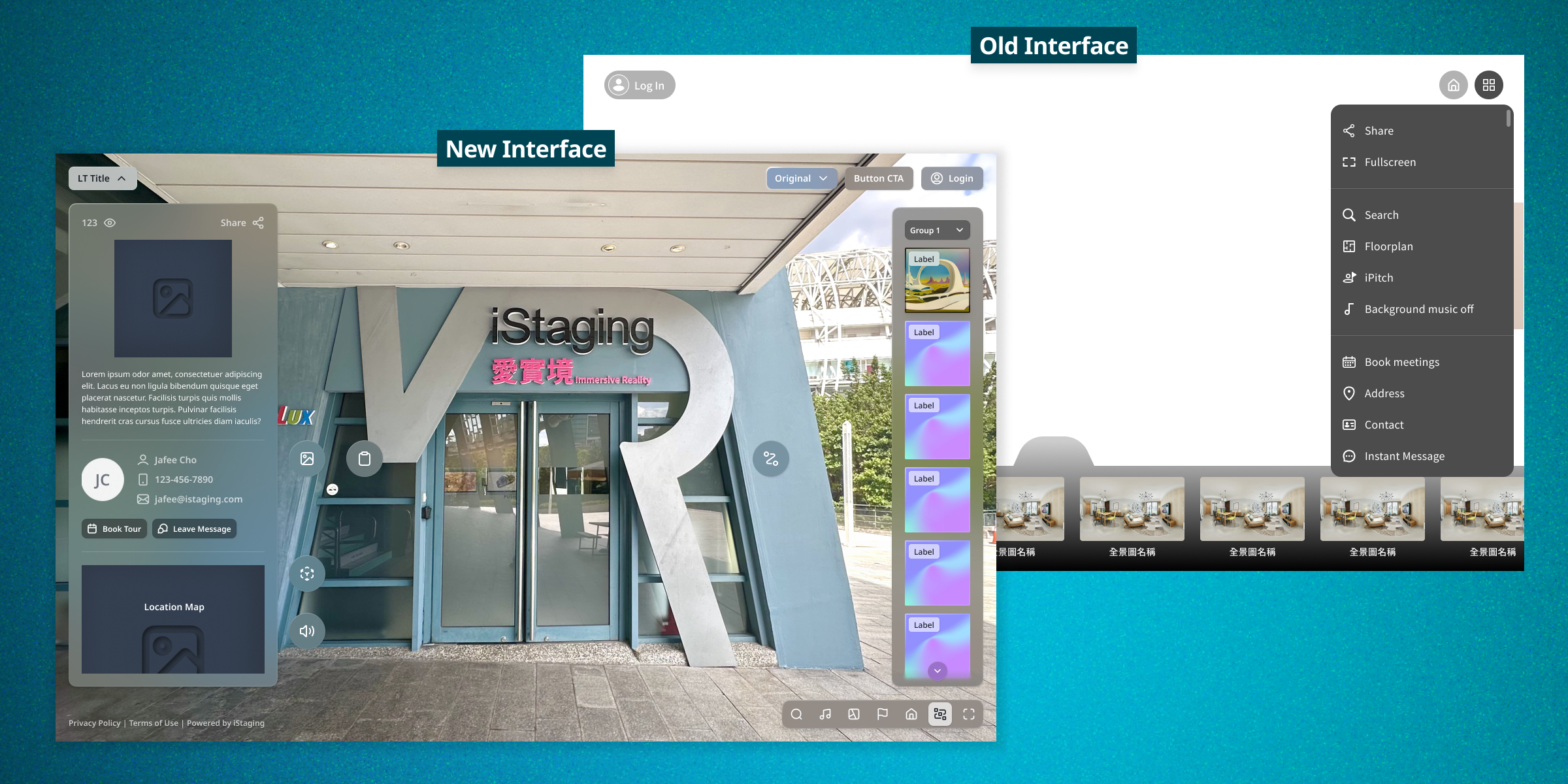
The content is the interface — and the interface was covering it.
Business
- Surface features most users never discovered
- Modernize the flagship viewer experience
User
- Key tools buried 3+ taps behind a hamburger
- Four identical thumbnails for one kitchen
Technical
- Every existing navigation path must stay intact
- Feature availability varies per tour
Undiscovered features
Users finished entire tours without ever finding iPitch or floor plans.
Navigation blocking the view
The panorama bar obscured the immersive content it navigates.
Duplicate thumbnails
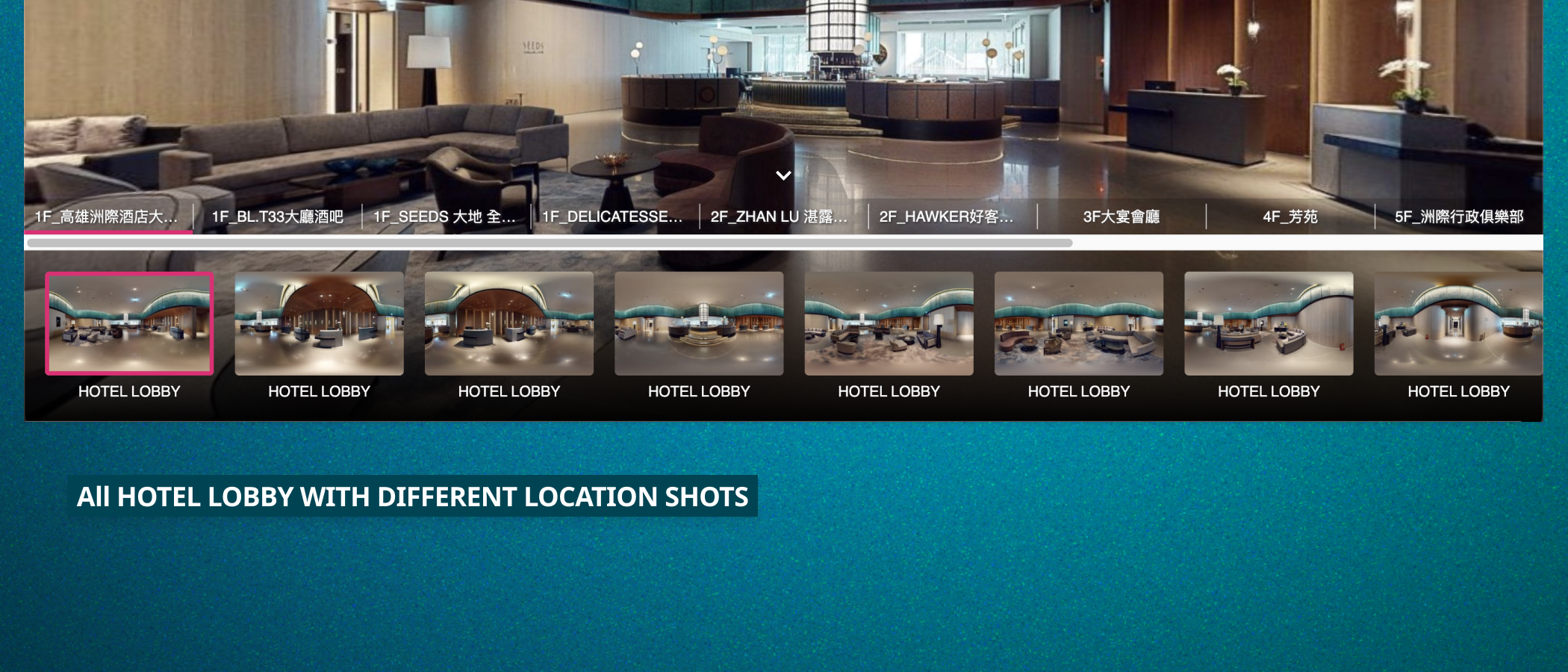
Same room, four angles, four identical entries in a flat list.
No paths broken
Marker tags and floor plans had to keep reaching every panorama.
I redesigned the viewer's entire control layout — and the logic beneath it.
Owned
- Navigation Architecture
- Spatial UI Layout
- Series Feature Design
- Interaction Design
Collaborated with
- Product Manager
- Platform Director
- Engineering
Navigation you barely notice.
Placed by vision, not convention
Bottom bars and corner menus competed with the panorama itself.
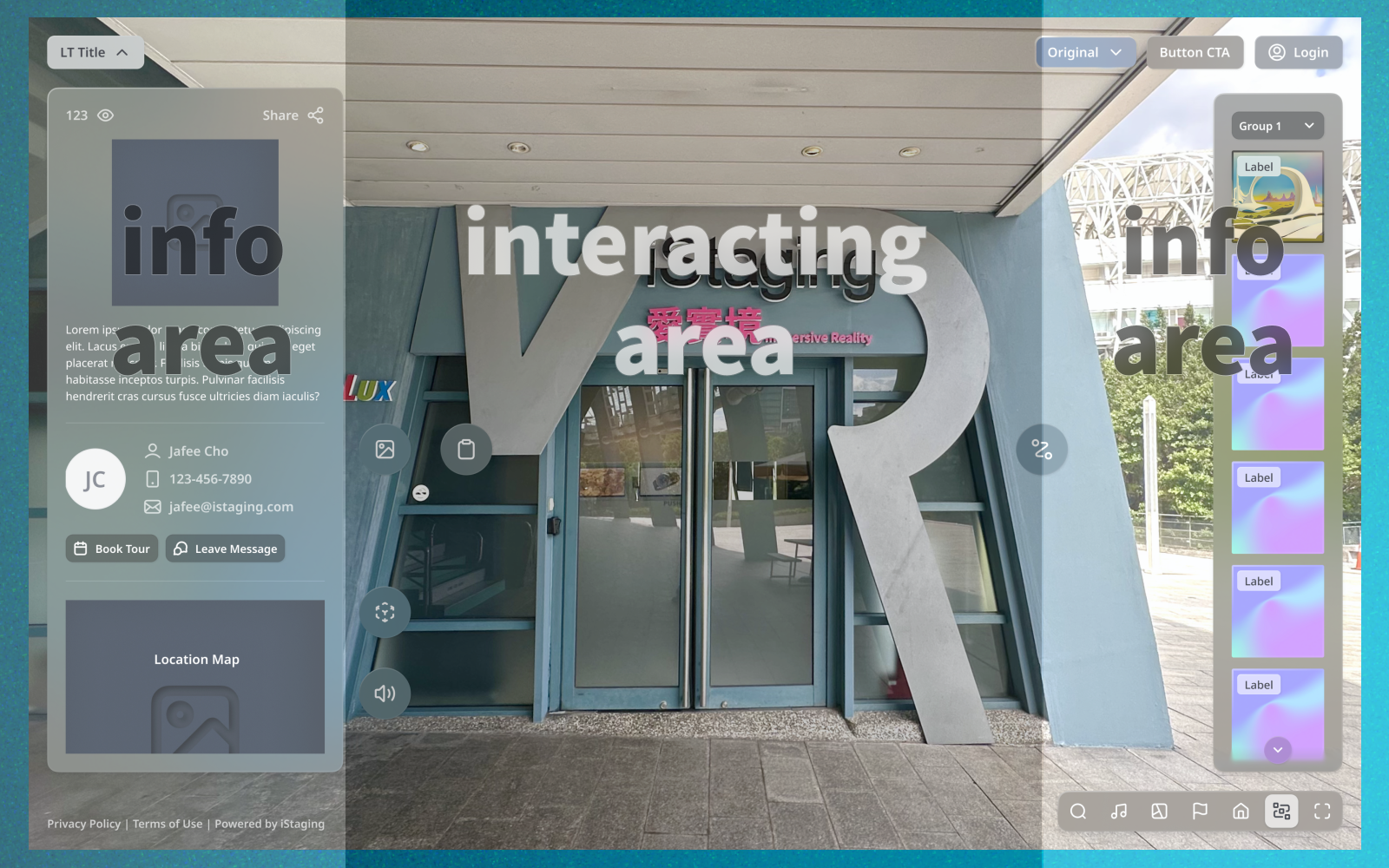
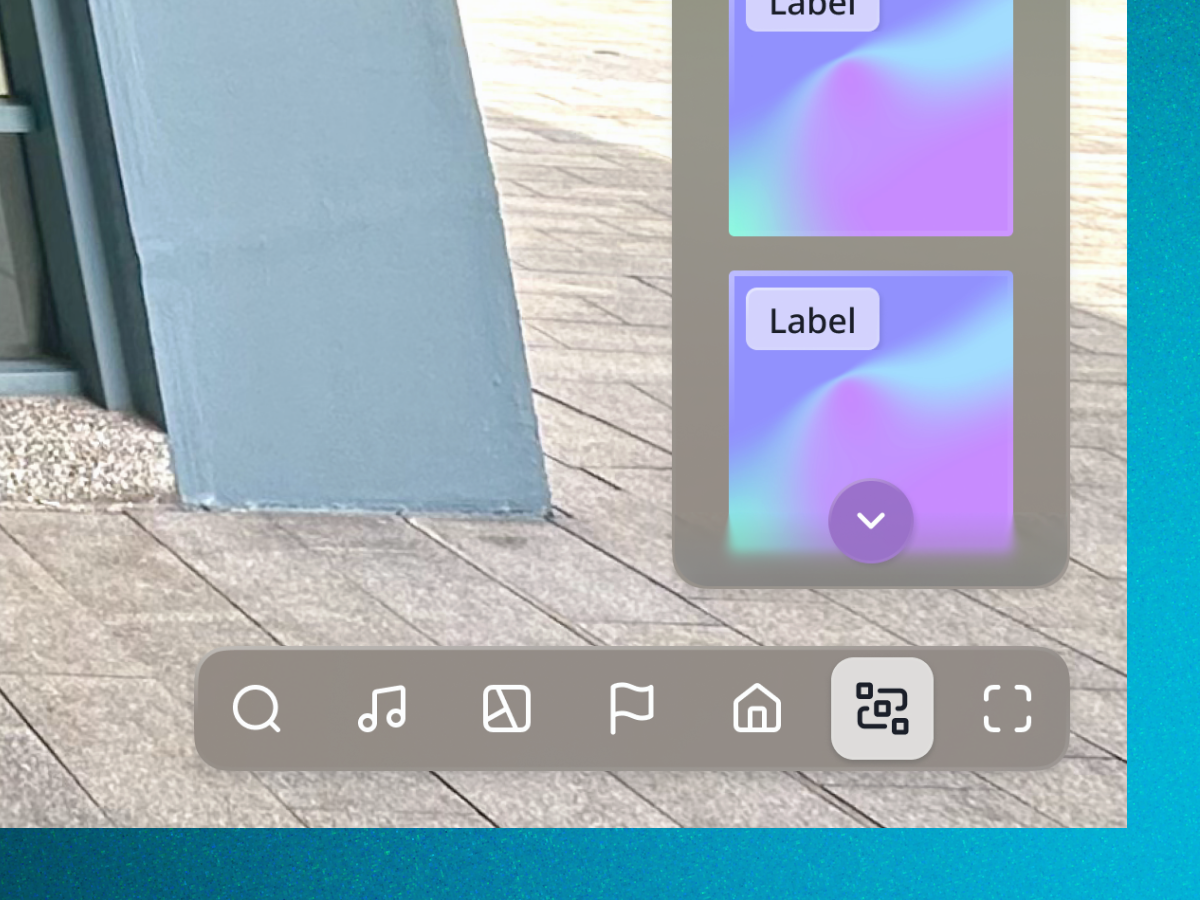
Center stays clear; pano bar moves right; info drops from the title; quick actions sit bottom-right.
Eyes focus center and scan periphery — the layout should obey that.
0% of the center viewport blocked; every tool one action away.
Series — curation as navigation
Tours showed every captured angle as a flat, repetitive thumbnail list.
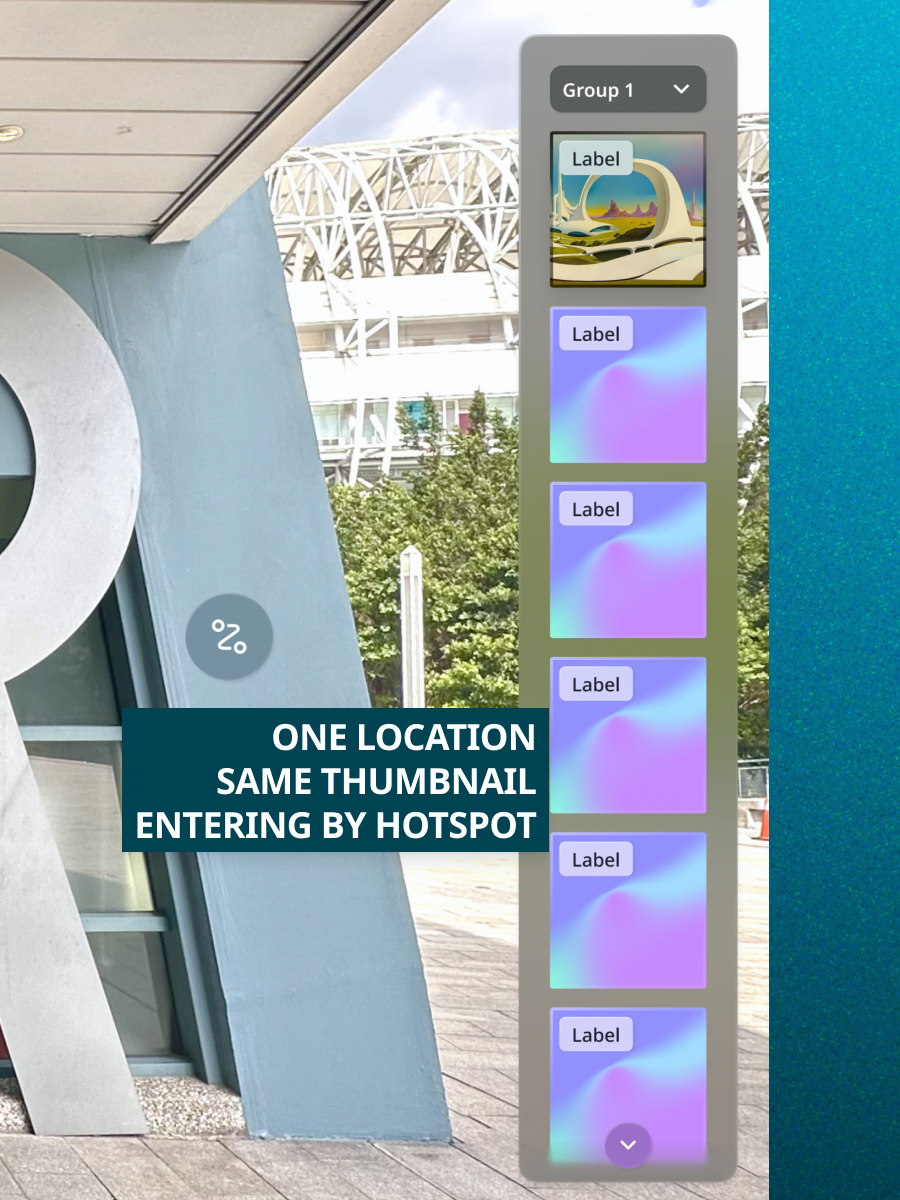
Creators group related panoramas into Series — one thumbnail, with in-group cycling.
Creators get editorial control; viewers get a bar that reads like a floor plan, not a camera roll.
Cleaner navigation with every angle still reachable via tags and floor plans.
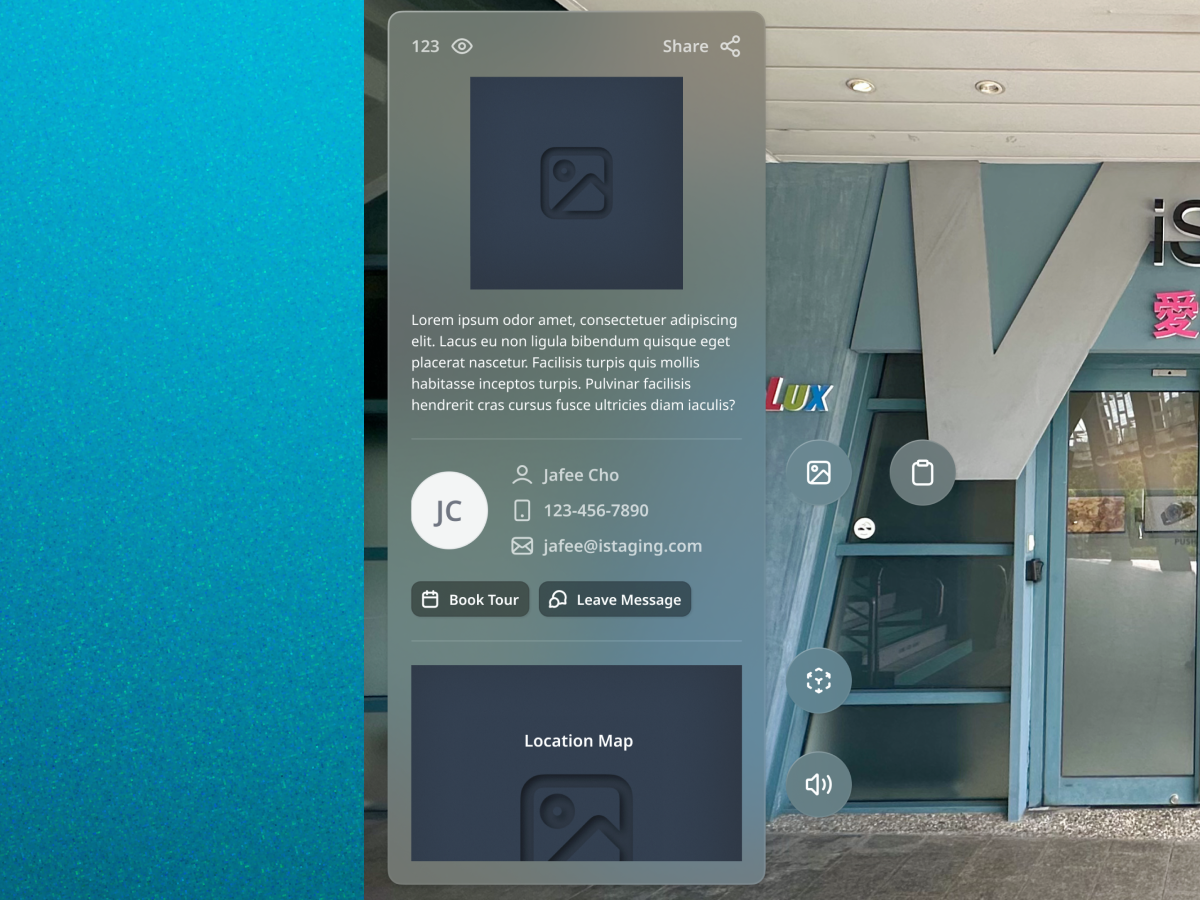
The title is the menu
Tour metadata hid in nested hamburger menus nobody explored.
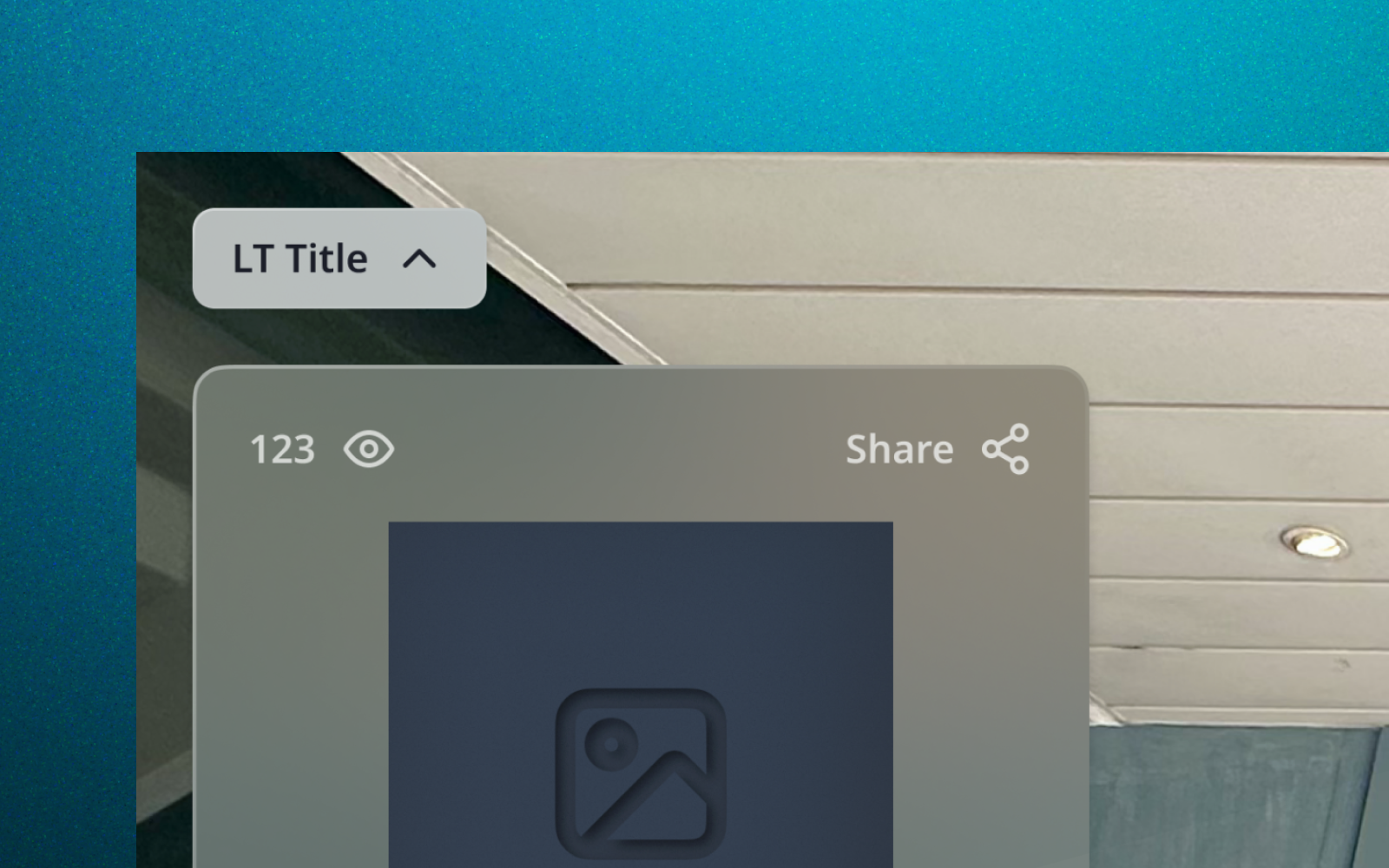
All tour info consolidated into a one-tap dropdown from the tour title.
The tour's name is the most self-evident entry point it has.
Path to tour info cut from 3+ taps to one.
Vision-based layout
Controls arranged by how eyes actually scan immersive views.
Series grouping
Multiple shooting angles, one meaningful thumbnail.
Contextual quick actions
Only the tools this tour has — one tap away.
The trade-off — I moved the pano bar against a decade of convention. Relearning costs existing users a beat, but conventions that block the product's core value are not worth preserving.
What I'd improve — Series creation. Drag-and-drop grouping works, but auto-suggesting groups from shooting positions would remove the setup cost entirely.
Next time — in immersive products, every pixel of UI competes with the reason users came — design navigation to lose that competition gracefully.