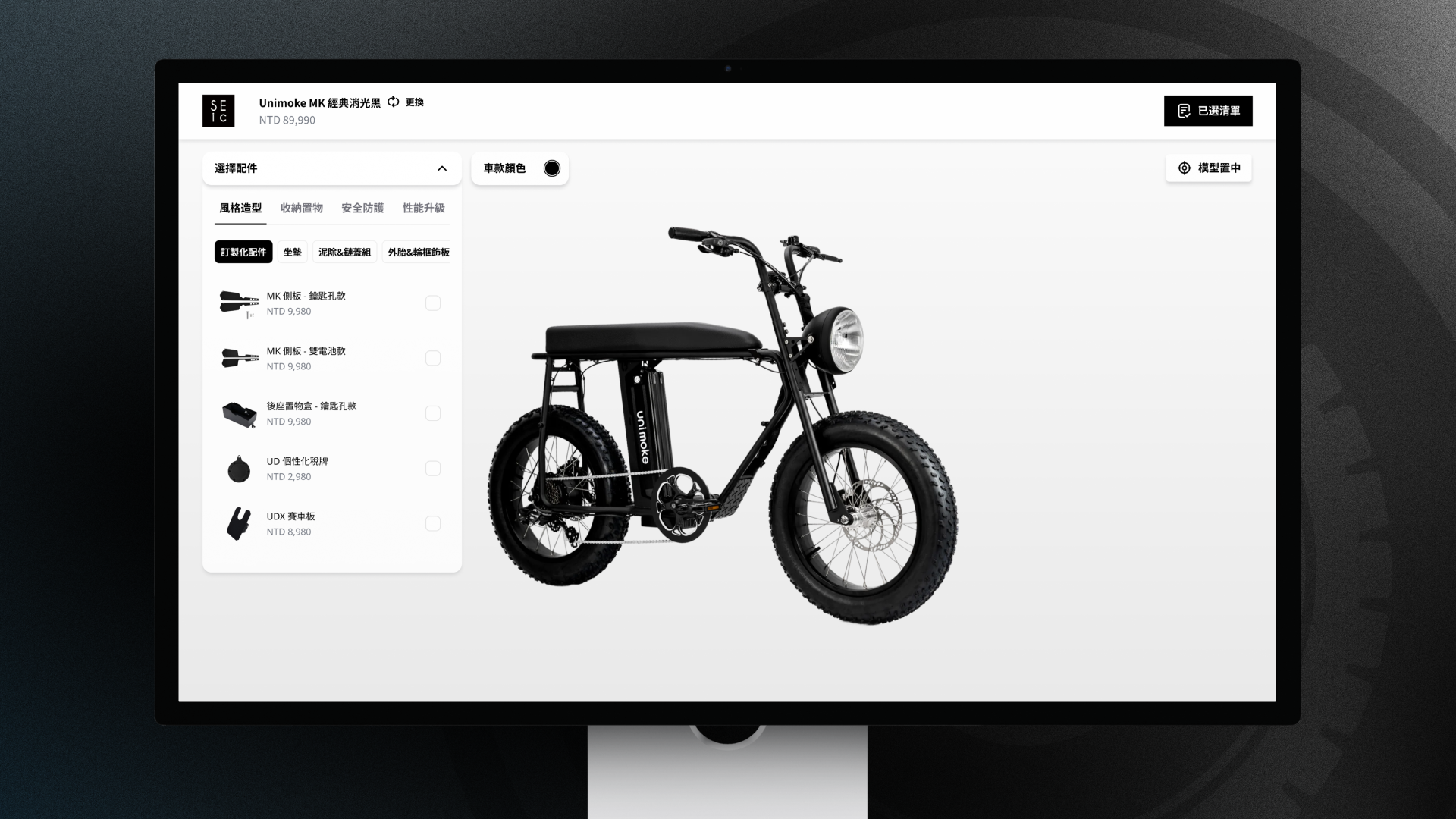
SEIC Configurator — 100+ Combinations, Three Simple Choices
A web-based 3D bike configurator — customers design, visualize, and price custom bikes in real time, with compatibility conflicts handled invisibly.


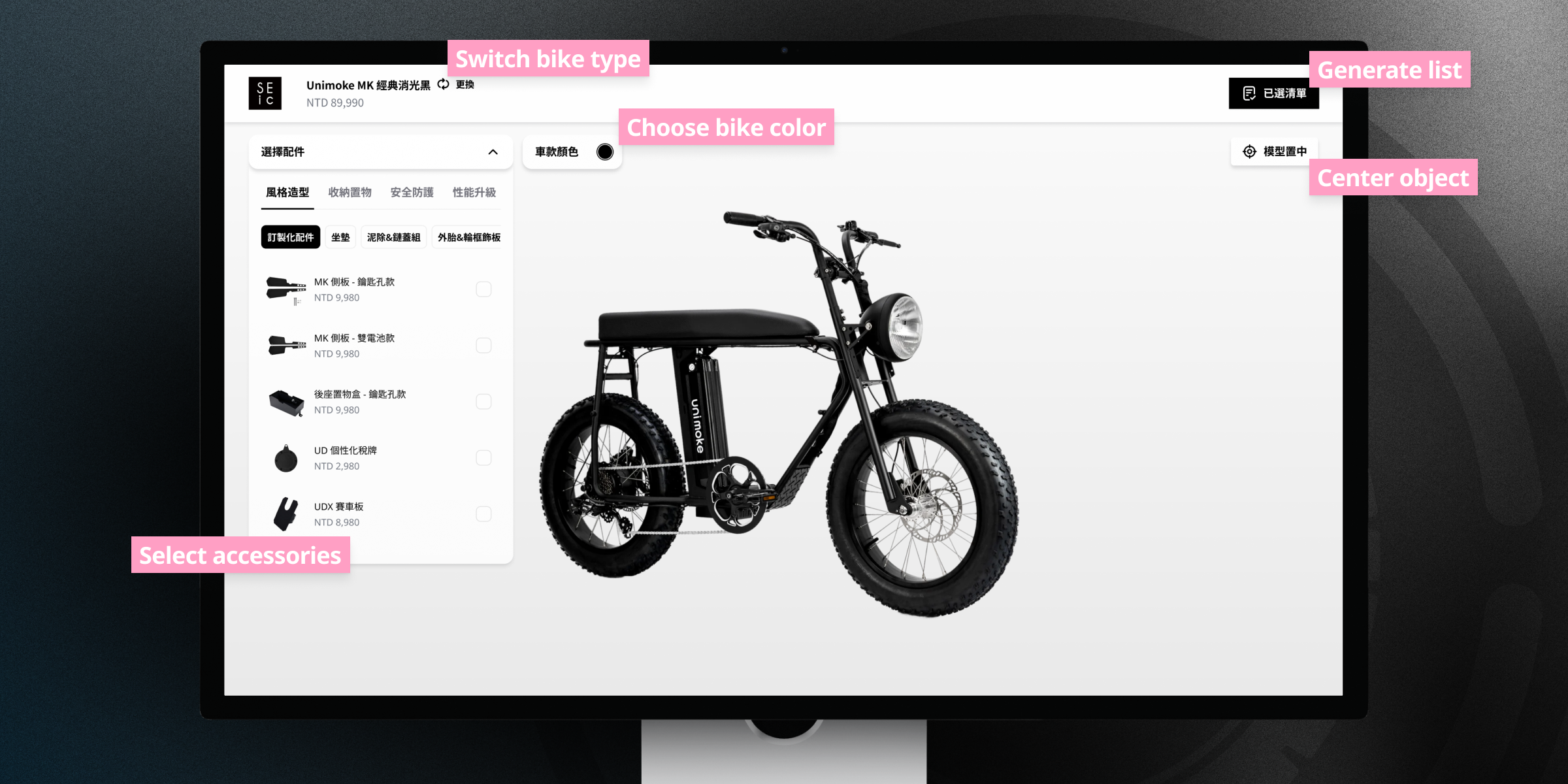
Over a hundred combinations that had to feel like three simple choices.
Business
- Replace static photography with interactive product design
- Embed directly into SEIC's existing website
User
- See every choice on the bike, instantly
- Never hit a dead-end combination
Technical
- Accessory compatibility matrix across frames and parts
- WebGL loading without the blank-screen wait
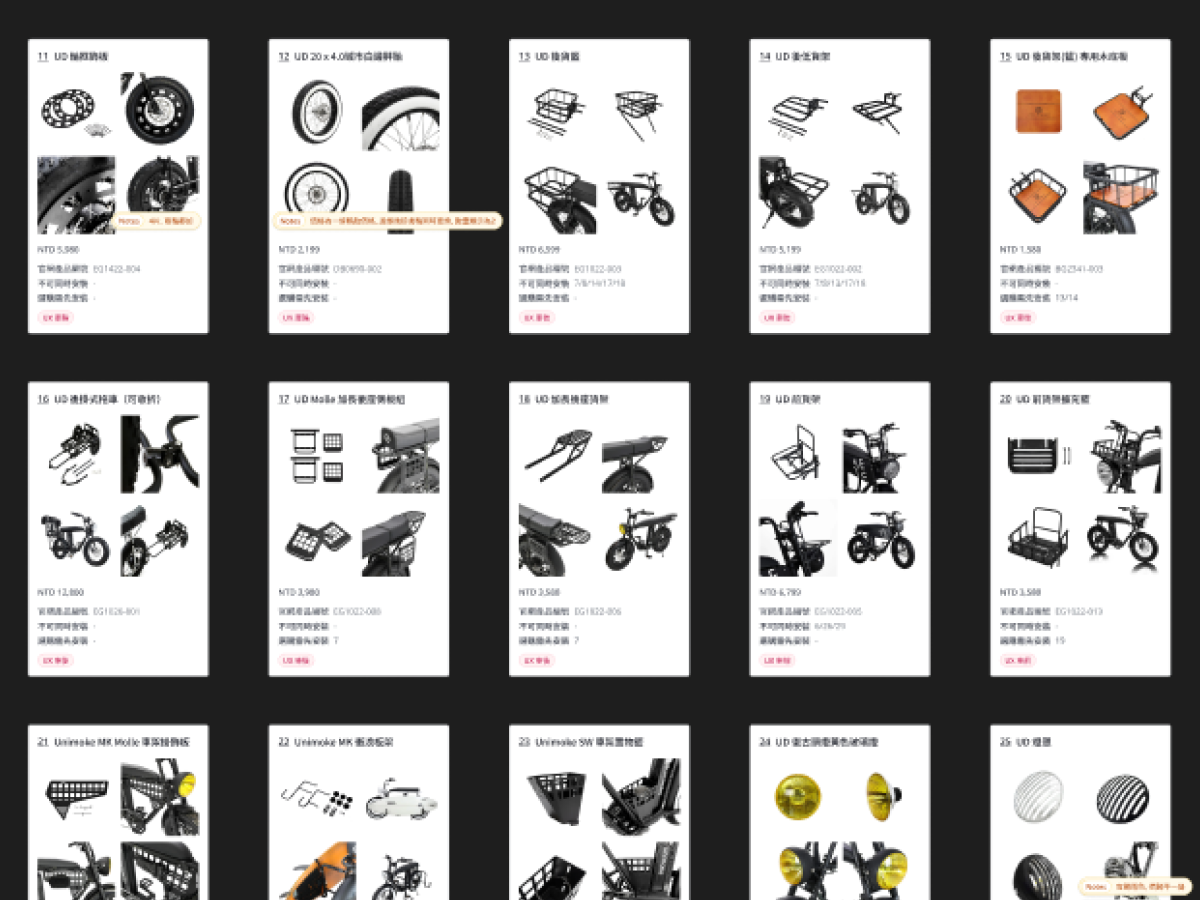
The compatibility web
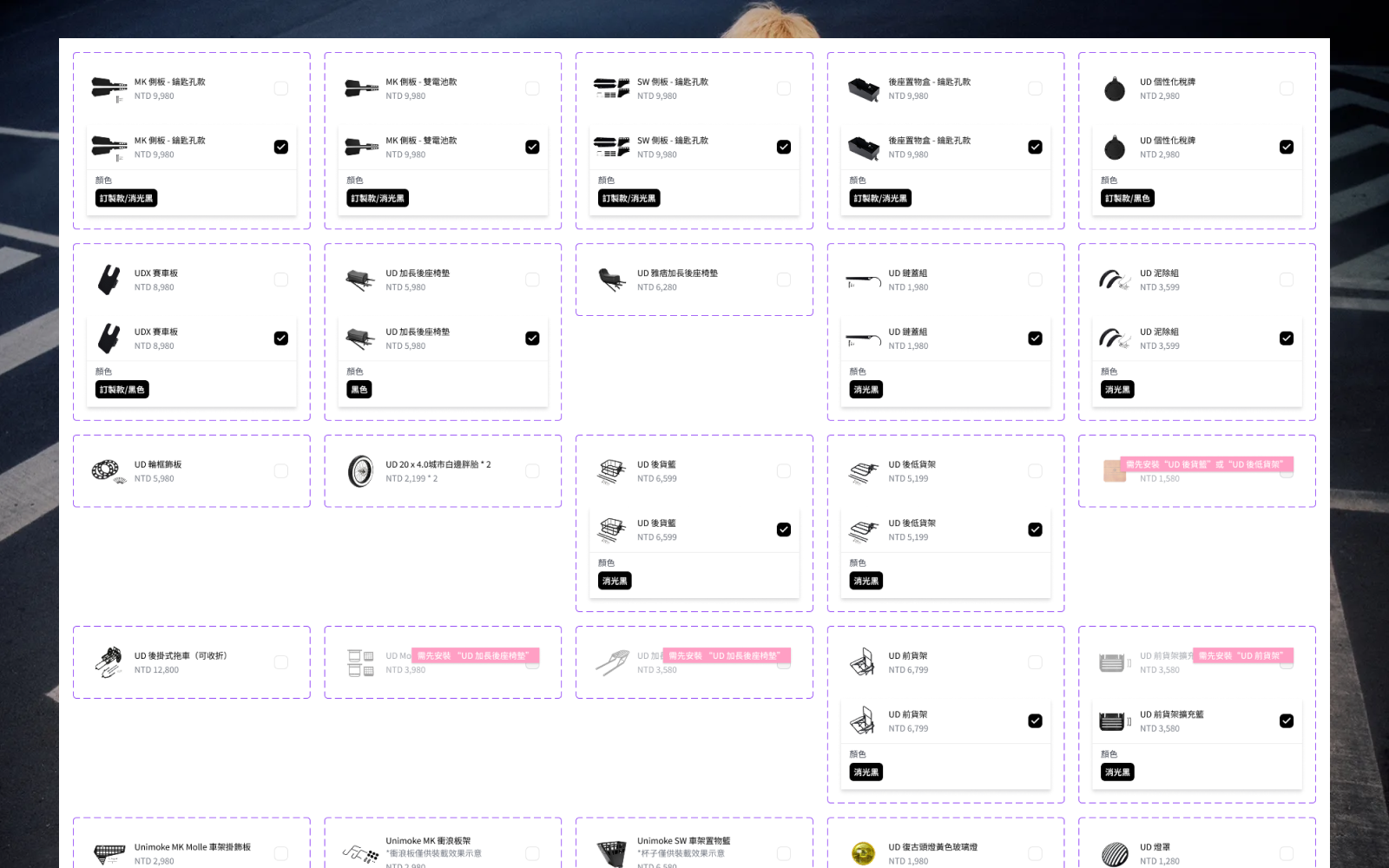
Wheels, frames, handlebars, and accessories conflict in non-obvious ways.
Invisible feedback
A bottle cage added to a full bike model is nearly imperceptible at default zoom.
Restriction without frustration
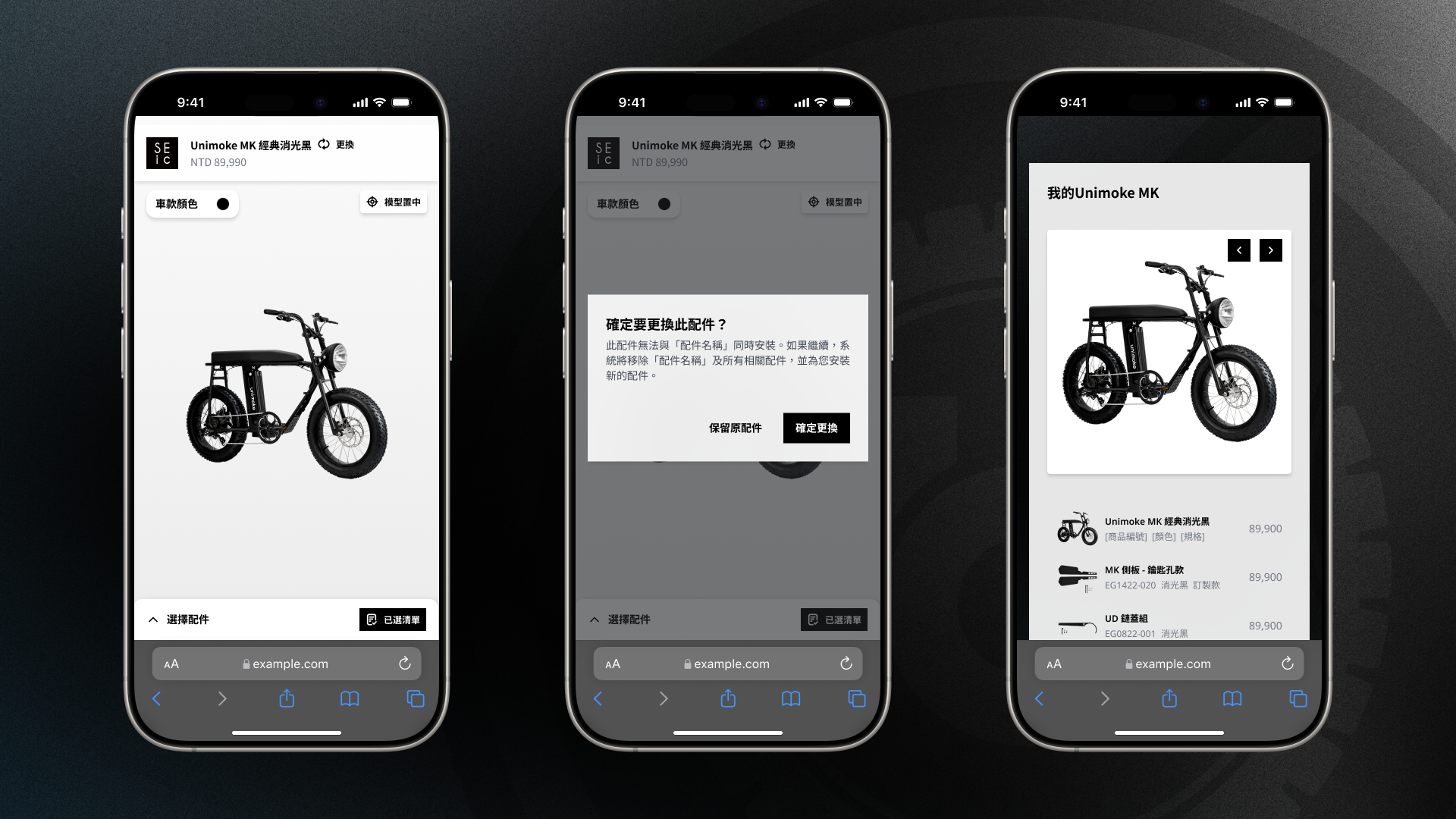
Invalid combinations must be blocked — with reasons, not walls.
An embedded guest
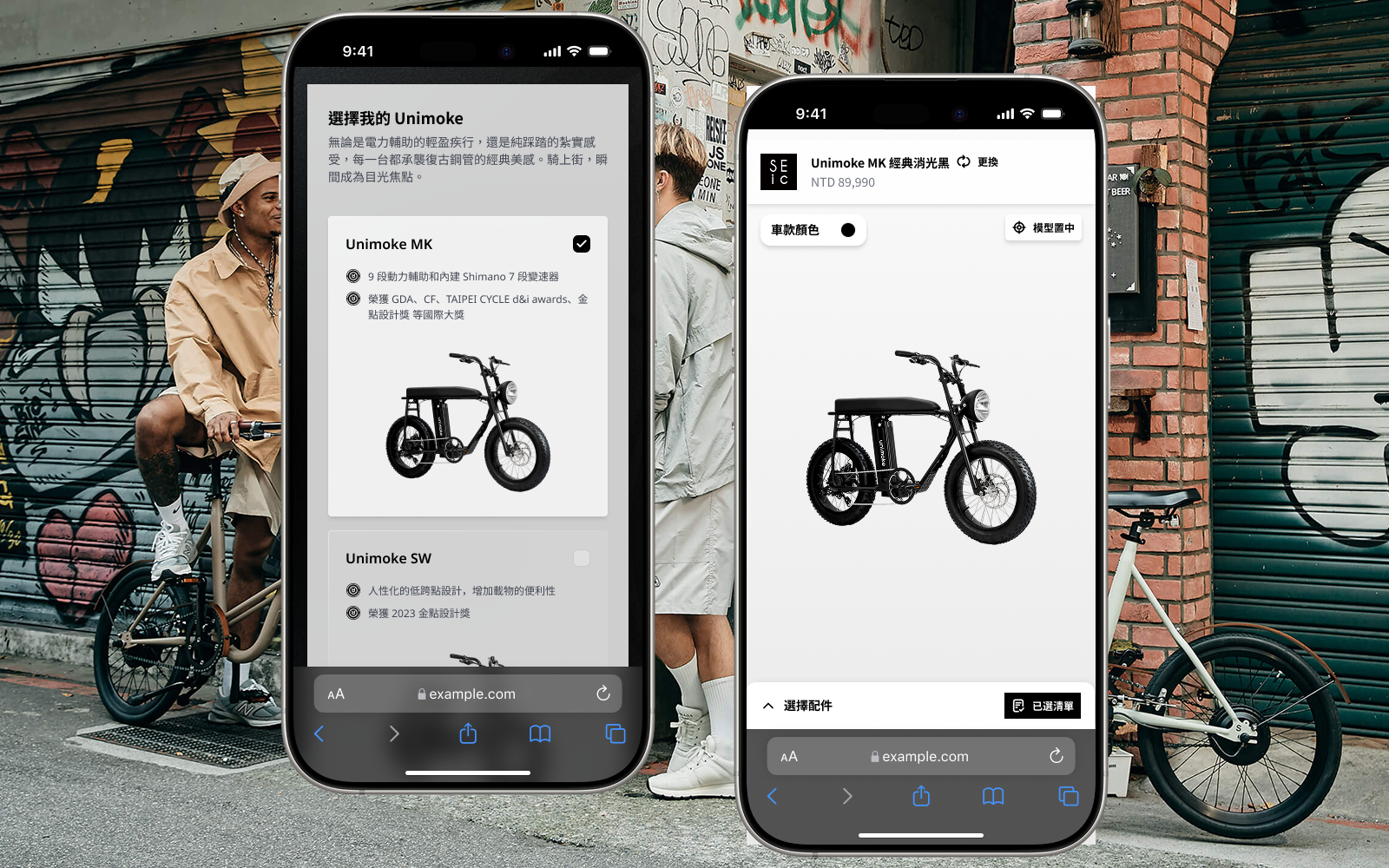
A full 3D experience living inside someone else's website.
I owned the configurator end to end — decision tree to 3D interaction.
Owned
- Configuration Flow Architecture
- 3D Interaction Design
- UX/UI Design
- Responsive & Embed Design
Collaborated with
- Product Manager
- Technical Manager
- Front-End Developer
- 3D Designer
Simplicity engineered from complexity.
Sequential, not simultaneous
Showing every option at once creates decision paralysis and dead ends.
A guided sequence — frame, wheels, handlebars, accessories, colors — each step constraining the next.
Users should only ever see compatible options; the matrix works invisibly.
100+ combinations feel manageable — 63-second average sessions.
The camera answers for you
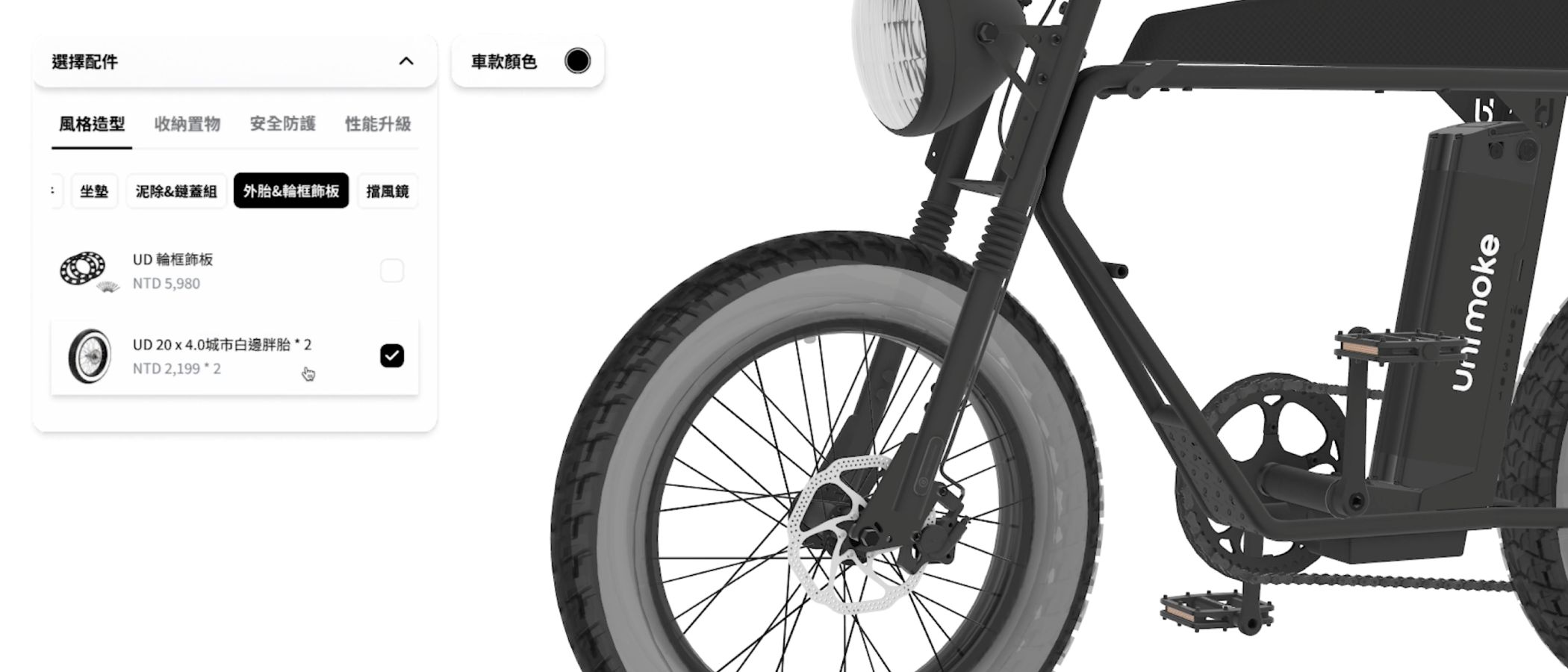
Small accessories register invisibly — users click twice, confused.
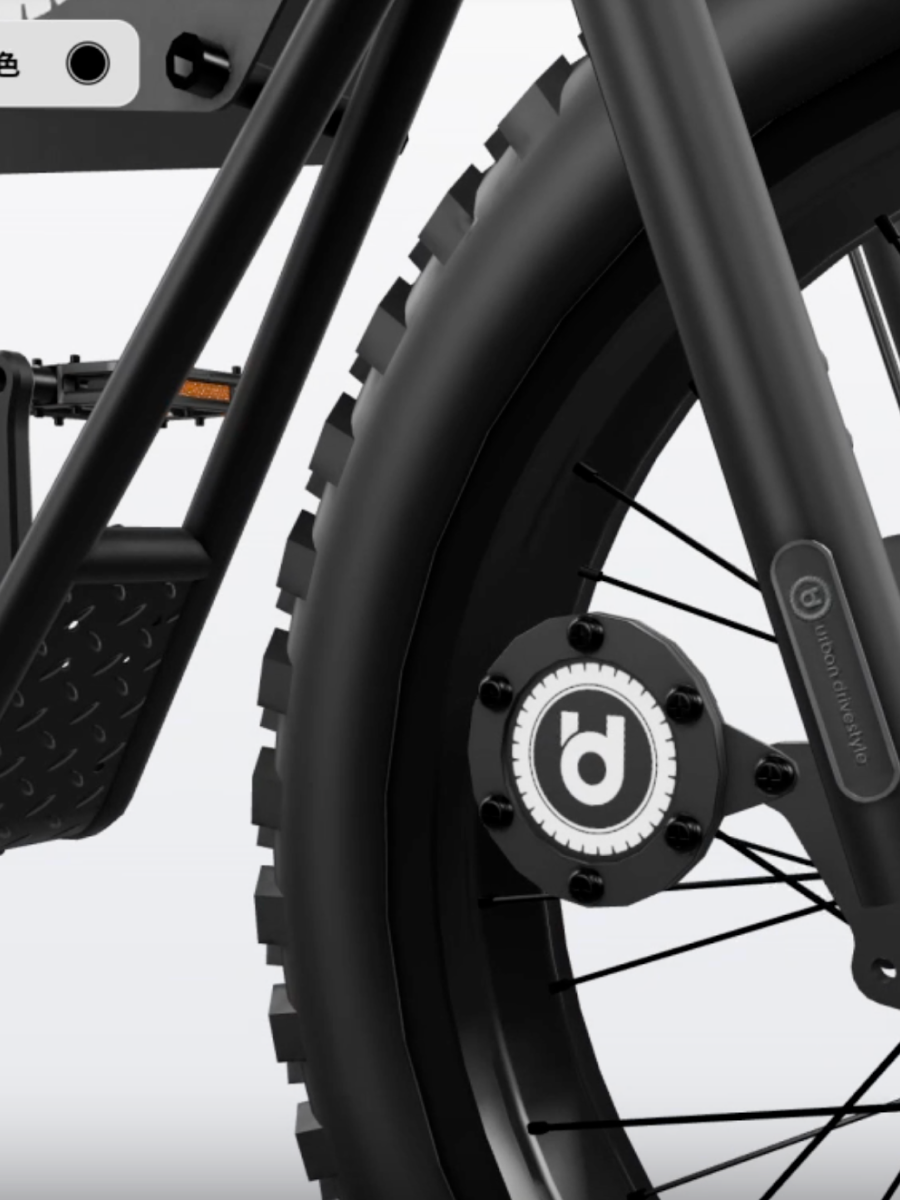
Selecting a small part auto-orbits the camera to its optimal viewing angle.
Visual confirmation is the feedback loop; the viewport is the receipt.
Eliminated the did-it-work confusion that plagues 3D configurators.
Interactive before loaded
WebGL configurators show spinners for 5–10 seconds before anything appears.
Progressive loading — the UI is interactive immediately while the model streams in.
The first seconds decide whether an embedded module gets used at all.
No dead wait; browsing starts instantly.
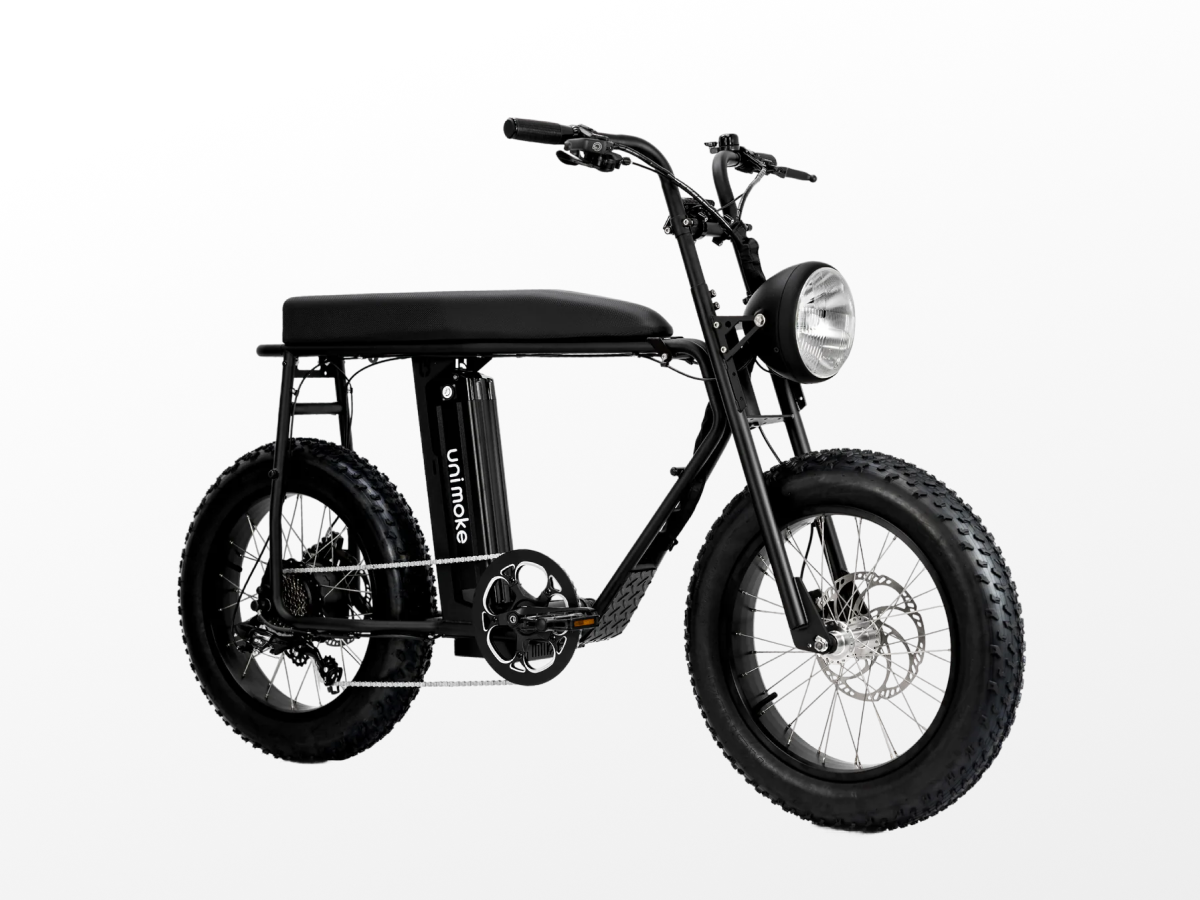
Conflict-aware UI
Selected, conflicted, and explained states — restriction with reasons.
Auto-orbit feedback
The camera moves to prove every selection registered.
Progressive WebGL
An interactive interface while the 3D model streams in.
The trade-off — I enforced a guided sequence over free-form exploration. Power users lose some freedom, but eliminating dead-end combinations mattered more than configuration order.
What I'd improve — color variations were phased out of v1. Visual swatch previews across all components is the clearest next investment.
Next time — in 3D commerce, feedback design is trust design — the camera, not a toast message, convinces users the right bike is in the cart.