Works Info
← Back to All Work

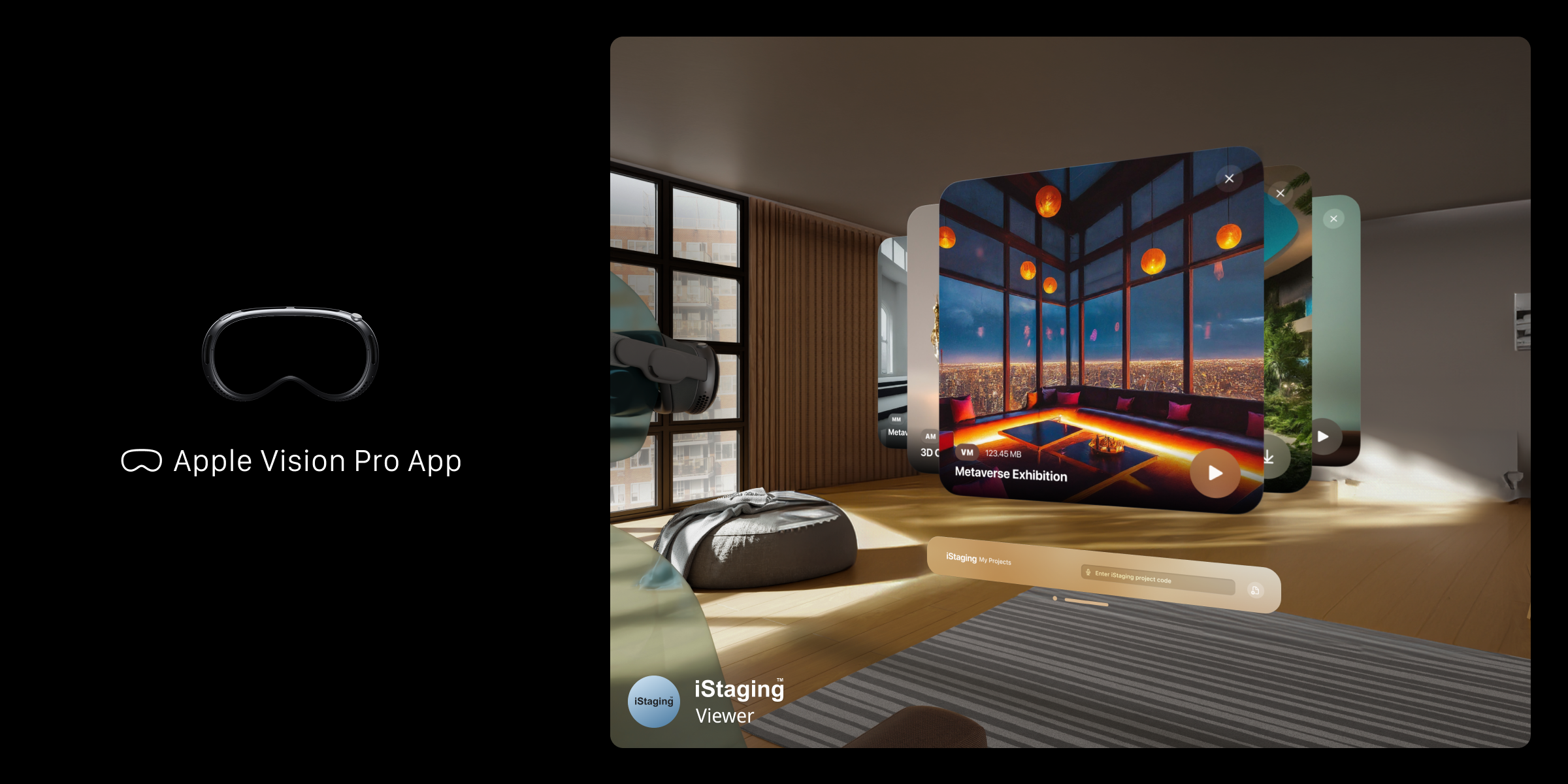
iStaging Viewer — Spatial Computing for Immersive Content

Designing a native Apple Vision Pro experience that brings virtual tours and 3D objects into the space around you.

Role
Sole Product Designer
Spatial UX/UI design · Interaction model · Material prototyping · Apple HIG alignment
Duration
6+ months
Tools
Figma, Reality Composer Pro, Xcode
Team
Web Tsai Platform Director
Jafee Cho Product Manager
Eason Yang App Developer
Product by
Links App Store

Translating a decade of screen-based experiences into space

iStaging had built an entire ecosystem of immersive content tools — VR Maker for panoramic tours, META Maker for 3D environments, AR Maker for object placement — all designed for flat screens. The Apple Vision Pro presented a fundamentally different canvas: content exists in the space around you, interaction happens through gaze and hand gestures, and the rules of 2D interface design no longer apply. As the sole designer, I needed to reimagine how users discover, navigate, and interact with iStaging content in a spatial environment.

Every design assumption had to be questioned. What does a navigation menu look like when it floats in space? How far away should interactive elements be for comfortable gaze targeting? What materials and translucency levels feel right for spatial UI panels? How do you transition between a panoramic tour (fully immersive) and 3D object manipulation (mixed reality) without disorienting the user? I worked within Apple Human Interface Guidelines for visionOS while establishing iStaging's own spatial design language — balancing platform conventions with product identity.

0
Zero established patterns. No spatial UI conventions existed for content browsing — every interaction had to be designed from first principles.
3
Three ecosystems, one shell. VR panoramas, 3D environments, and AR objects each needed fundamentally different spatial treatments — unified under one experience.
Comfort as a constraint. Wrong distances or target sizes cause eye strain and fatigue — a new usability dimension with no margin for error.

Designing in a medium that barely exists yet

Spatial Design Principles

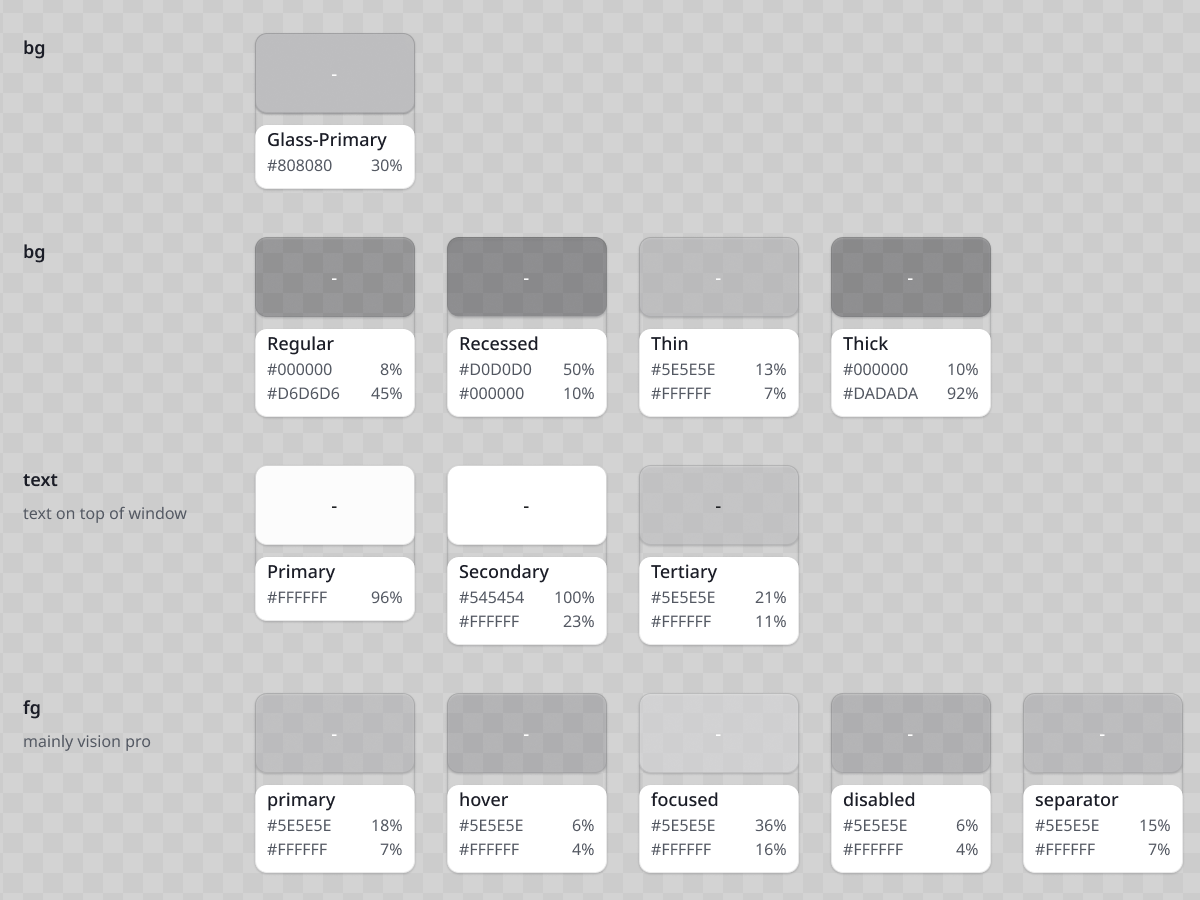
Before designing any interface, I needed to establish foundational spatial principles: comfortable viewing distances for sustained use, minimum target sizes for reliable gaze selection, depth layering to create visual hierarchy in 3D space, and material properties that feel native to visionOS. I studied Apple Human Interface Guidelines extensively and prototyped material samples — testing glass transparency levels, background blur intensities, and shadow behaviors to find the right balance between iStaging brand identity and platform-native feel.

Interaction Model Design

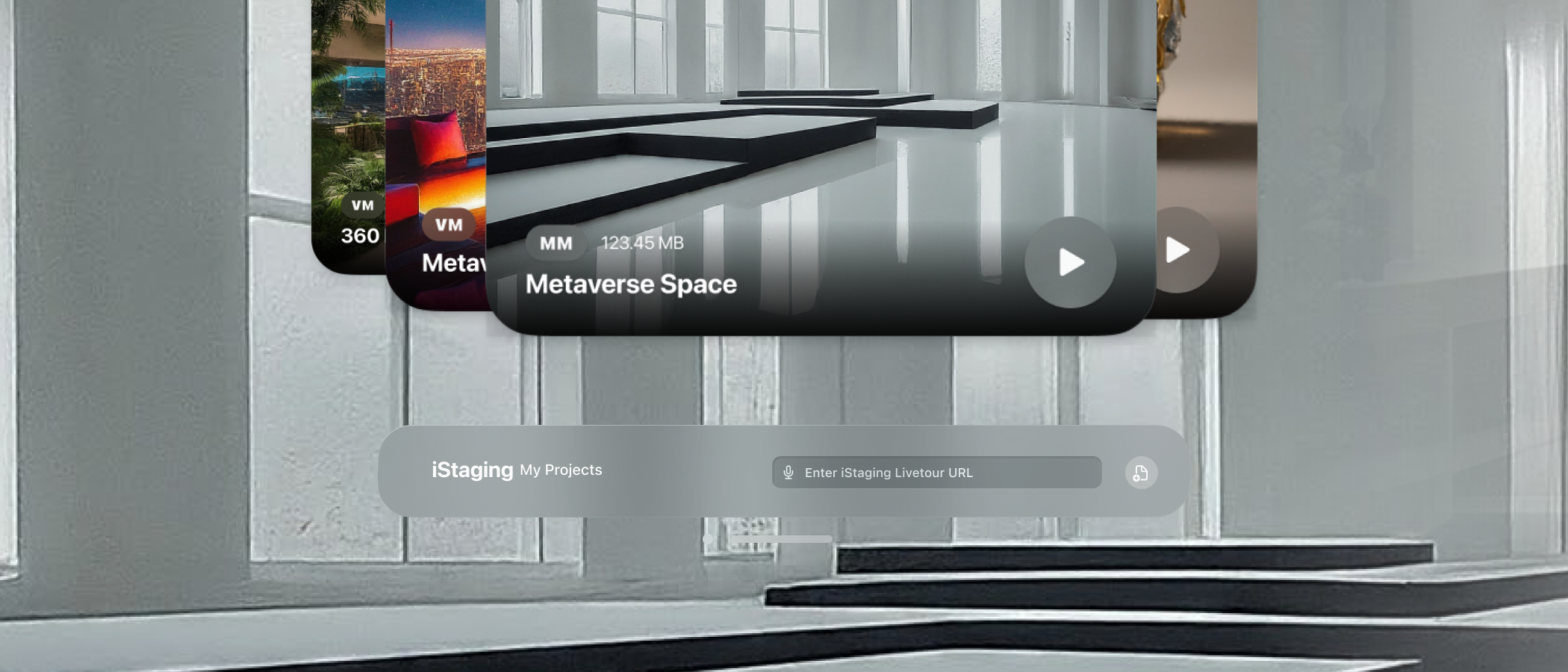
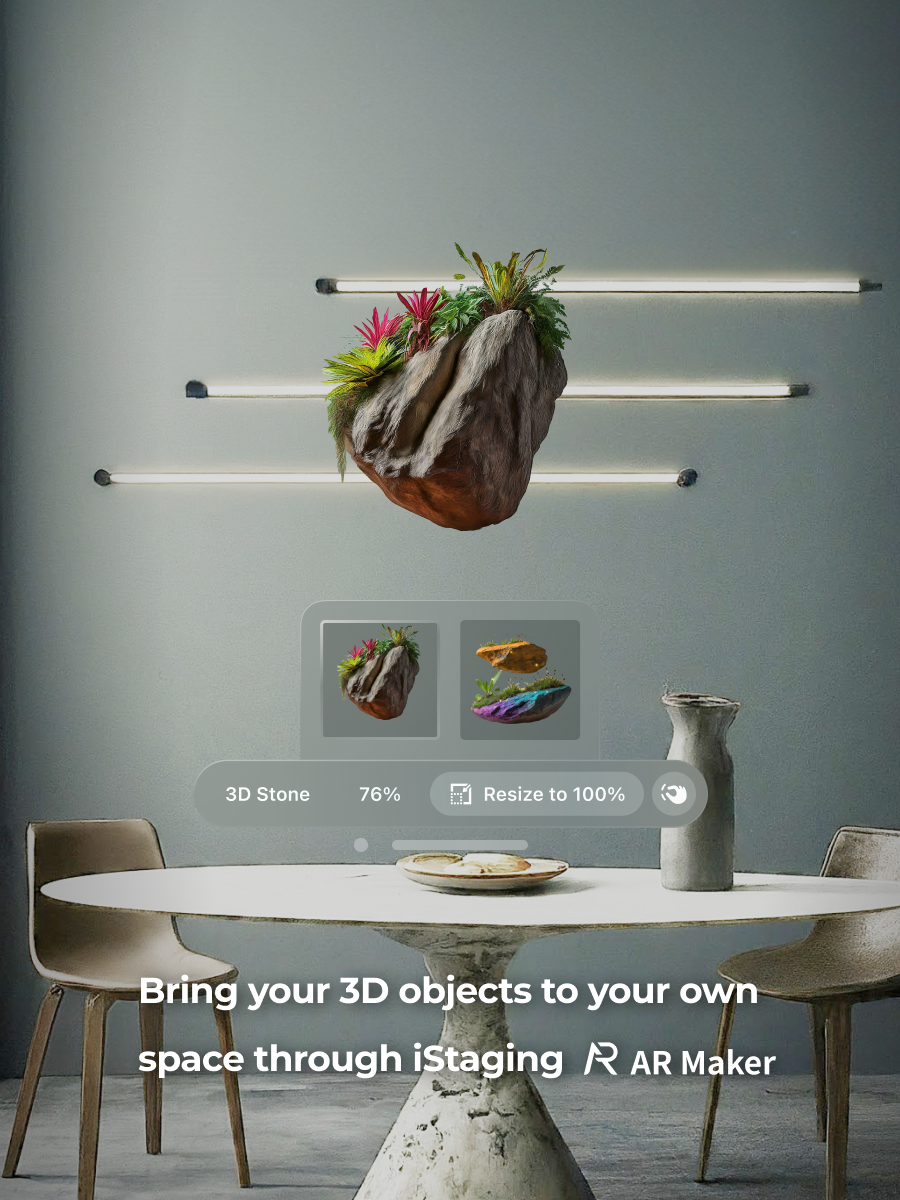
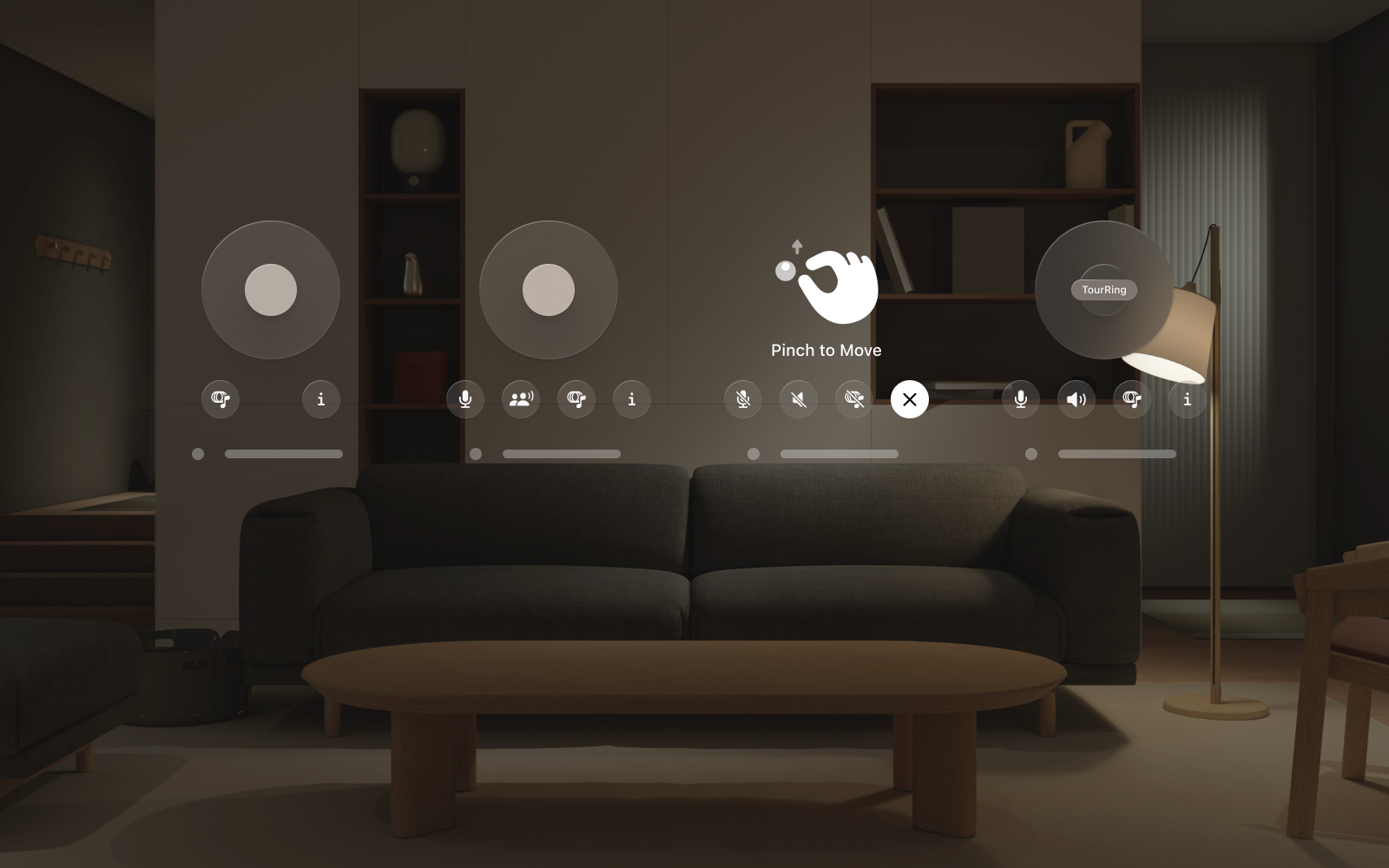
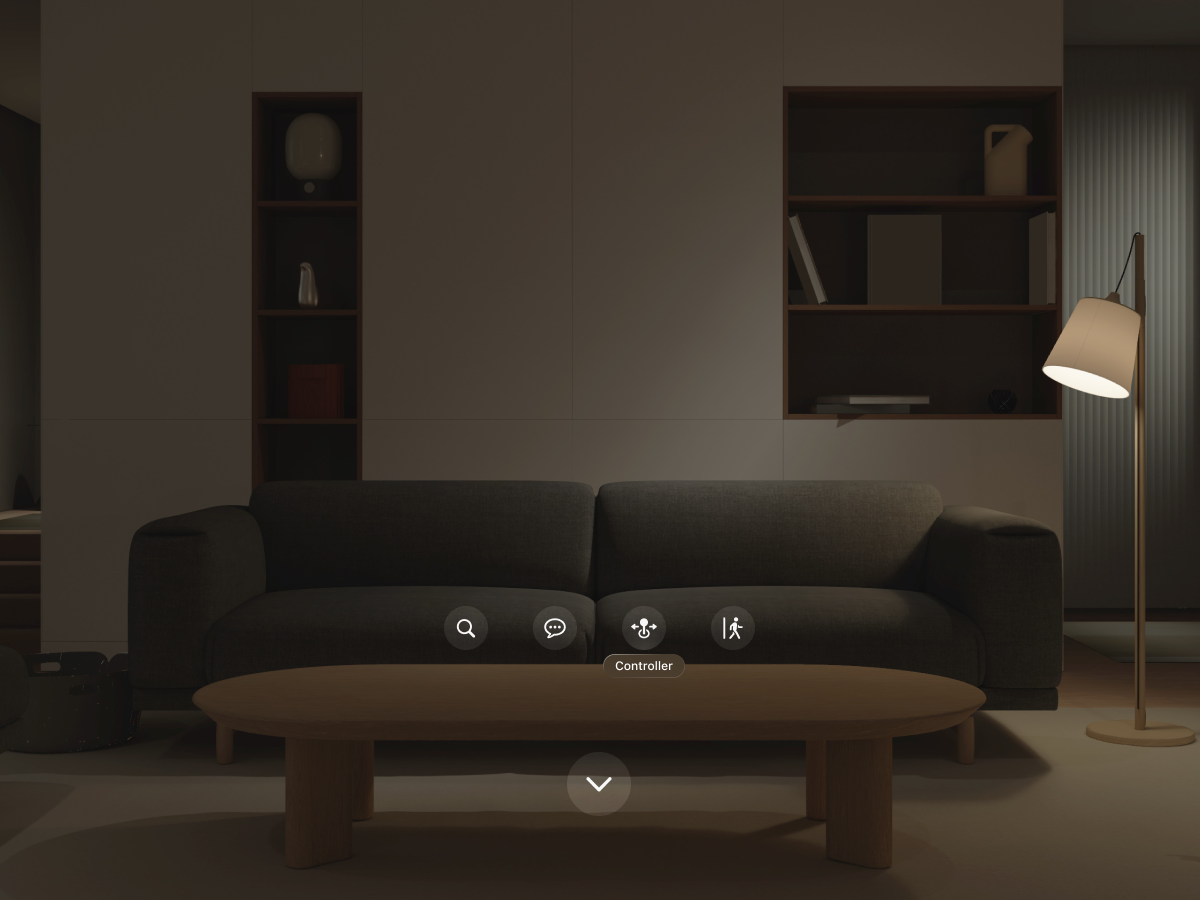
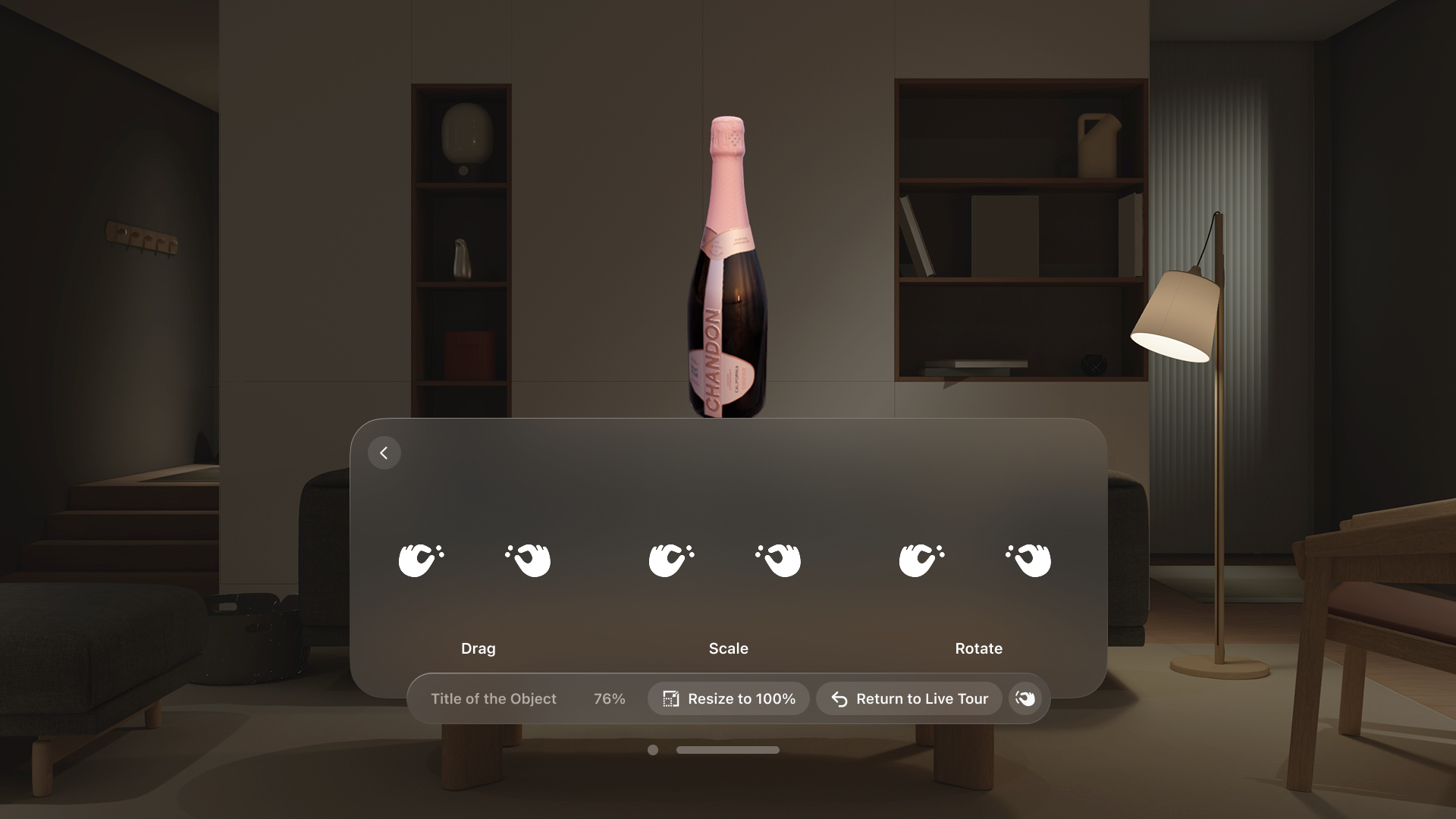
I designed the core interaction vocabulary: gaze to focus, pinch to select, and natural hand gestures to manipulate 3D objects. For VR Maker panoramic tours, gaze direction controls the viewport while pinch gestures trigger navigation between panoramas and interaction with marker tags. For AR Maker objects, I mapped place, scale, and rotate to intuitive hand movements. The portal system — virtual entry points linked to access codes, URLs, or titles — became the spatial equivalent of a URL: a doorway to specific iStaging content.

Content Adaptation

Each iStaging product required a different spatial treatment. VR Maker tours become fully immersive environments where the panorama wraps around you. META Maker 3D spaces become walkable environments with natural exploration. AR Maker objects can be placed and manipulated in your physical space at real-world scale. I designed seamless transitions between these modes — moving from a fully immersive tour to examining a 3D object in mixed reality without breaking the sense of presence.

Prototyping & Validation

Spatial interfaces cannot be validated on a flat screen. I built interactive prototypes and tested them on-device, iterating on element distances, material properties, and gesture responsiveness based on physical comfort and usability. Every adjustment — moving a panel 10cm closer, increasing a target hit area by 5mm, changing glass opacity by 10% — had to be felt in space to be evaluated.

First principles for a new medium

Spatial Design 01

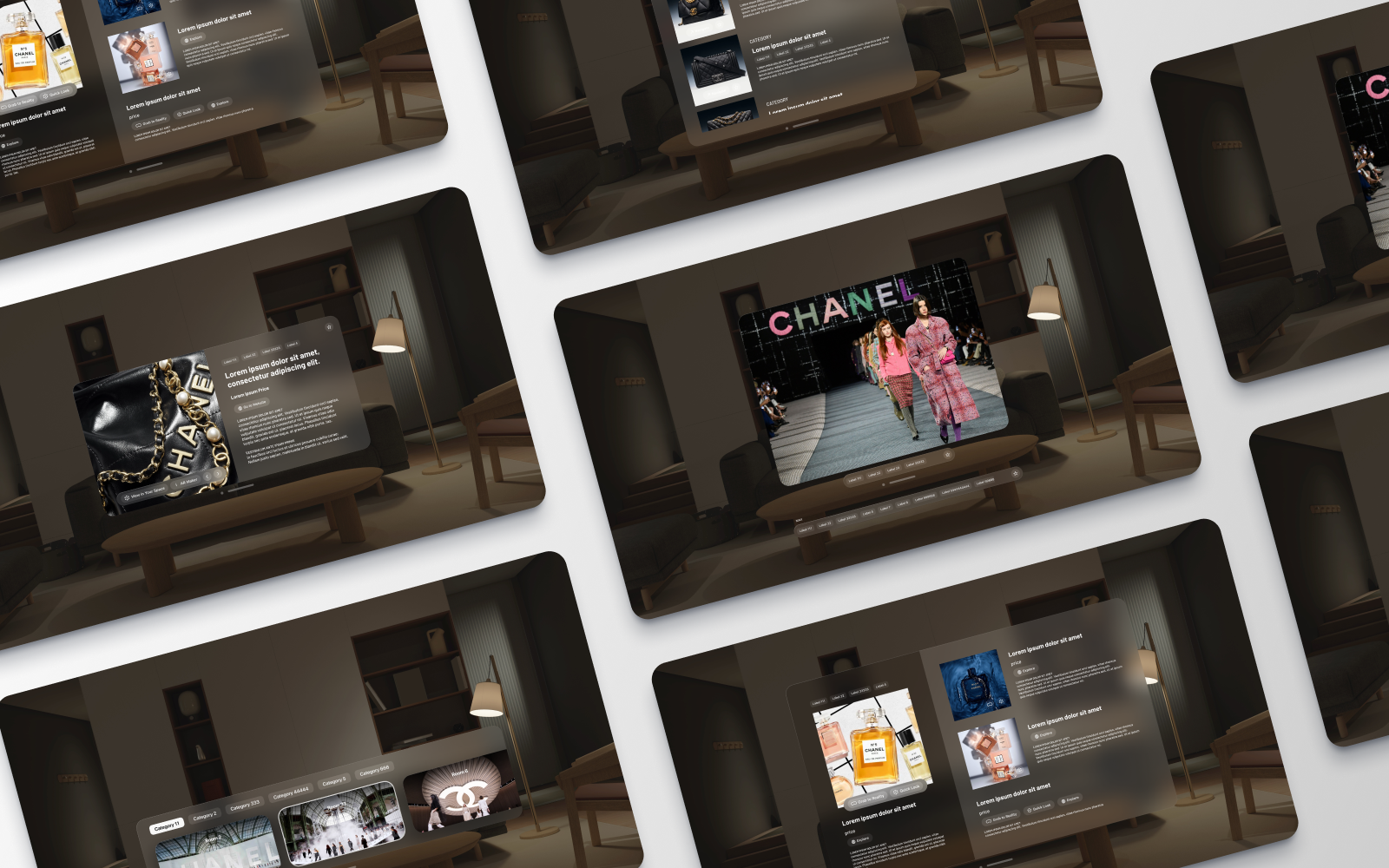
A glass material language built from scratch

I established a three-tier glass material system — foreground panels at arm's reach for primary interactions, mid-ground content at comfortable viewing distance, and background environmental elements — each with calibrated translucency and blur intensity. This material language replaced the borders-and-shadows vocabulary of 2D and became the foundation for all spatial UI in the app.
Interaction Design 02

Portals as spatial URLs

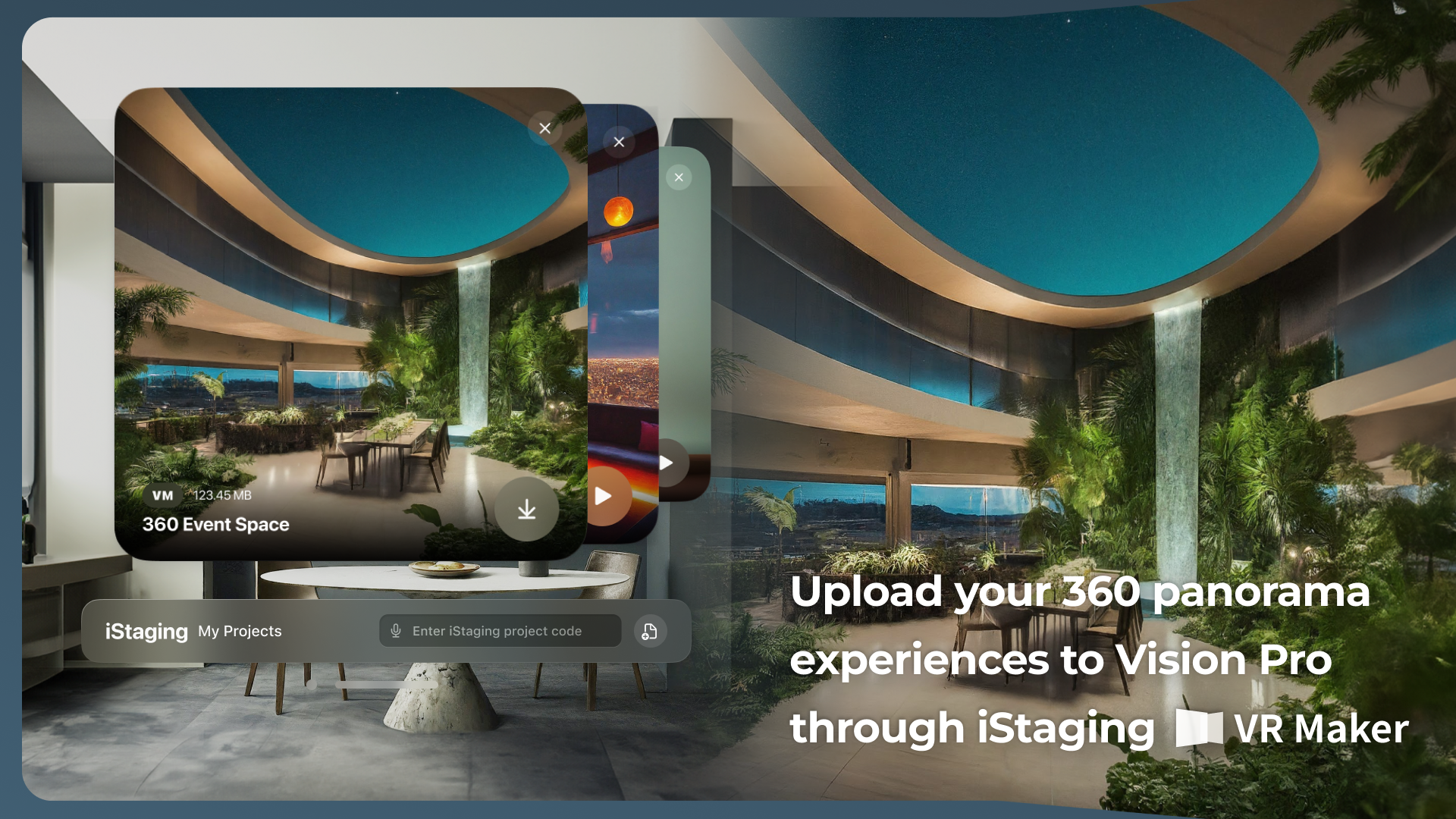
Instead of a traditional content browser, I designed the portal system: spatial doorways summoned via access codes, URLs, or content titles. Walking toward a portal transitions you into the corresponding experience. This metaphor made content discovery feel physical and intuitive — aligning with how spatial computing should feel like navigating a space, not operating a computer.

UX + Platform 03

Seamless mode transitions on Apple's foundations

Switching between fully immersive VR, mixed-reality 3D objects, and spatial UI risks disorienting users. I designed gradual transitions — immersive environments fade through a translucent glass state before revealing the next layer — so users always understand where they are. Built on Apple HIG conventions: native gestures, standard window behaviors, and accessibility inherited from the platform, with iStaging identity expressed through materials and the portal metaphor.

Pioneering spatial content interaction

3
Content ecosystems unified in a single spatial experience
1st
Native Apple Vision Pro app in iStaging's product lineup
New
Spatial interaction baseline established for future iterations

The iStaging Viewer launched as the company's first native spatial computing product, bringing the full content ecosystem — panoramic tours, 3D environments, and AR objects — into Apple Vision Pro. The app establishes iStaging's presence in the spatial computing market and provides a reference architecture for future visionOS features.

This project was the most creatively challenging work I've done. Designing for spatial computing stripped away every shortcut I had developed over years of screen-based design — no hover states, no scrollbars, no pixel grids. Every interaction had to be rediscovered from first principles. The experience fundamentally changed how I think about interface design: space itself is the canvas, and comfort is the primary design constraint. I now bring a spatial awareness to all my work, even on flat screens.

Experience the iStaging Viewer on Apple Vision Pro — spatial tours, 3D objects, and portal navigation.