iStaging Design System — From Zero to AI-Ready
A token architecture built from scratch in Figma, then bridged to Claude — one source of truth serving designers, developers, and AI across five products.

Five products, no shared language — and an AI-shaped opportunity.
Business
- Every new product rebuilt basics from scratch
- Handoff friction slowed every launch
User
- Designers making decisions in isolation
- Developers interpreting specs differently each time
Technical
- Two interface paradigms — CMS editor and spatial viewer
- Tokens must be machine-readable for AI workflows
Zero to system, solo
One designer building shared infrastructure for five products.
Two paradigms, one source
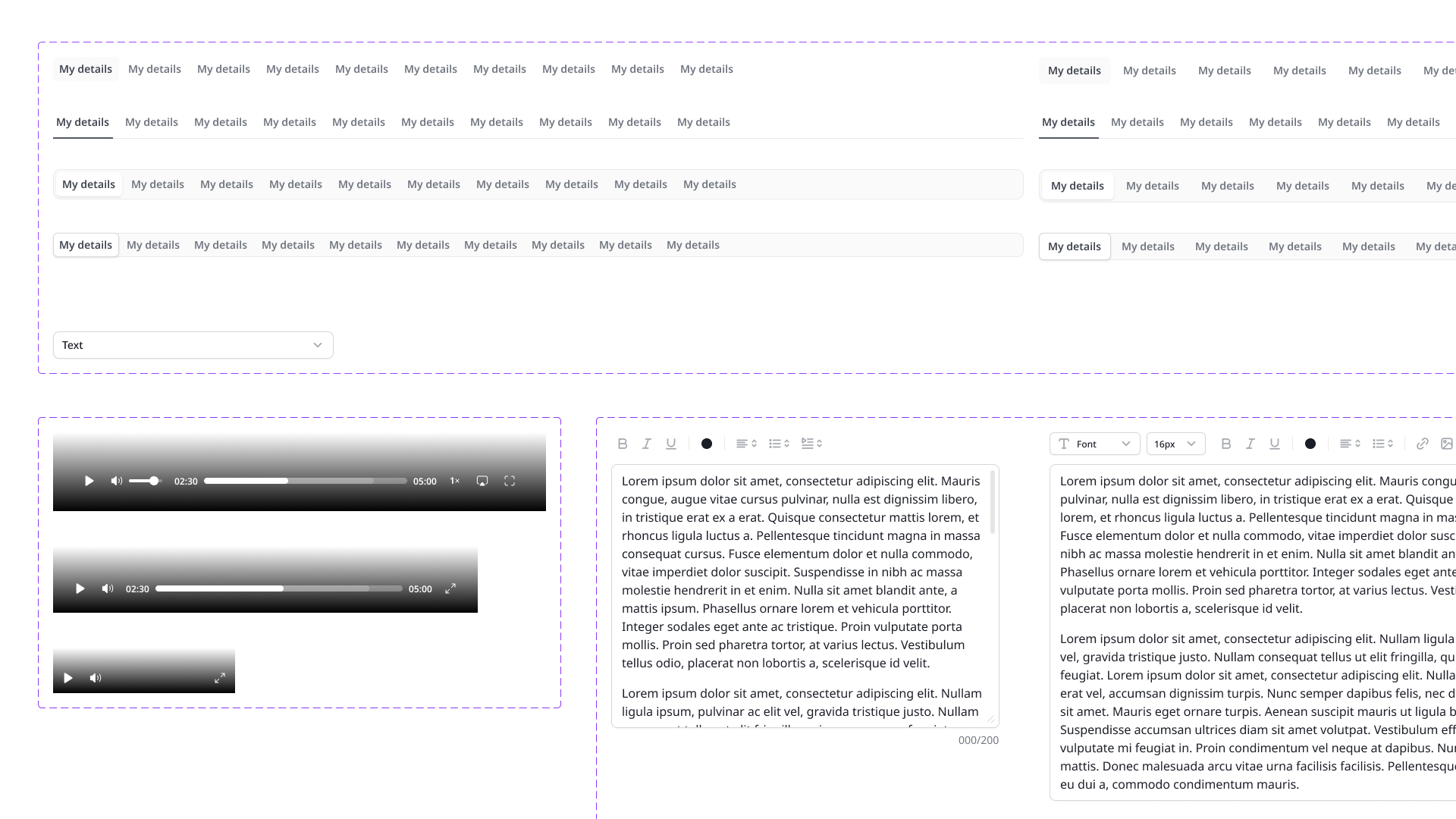
Minimal CMS surfaces and glass spatial UI generated from the same tokens.
Naming as contract
Every token name doubles as a CSS custom property — no translation layer allowed.
AI-readability
The system had to be parseable by Claude, not just by humans.
I built the system alone — architecture, library, and the AI bridge.
Owned
- Token Architecture
- Component Library
- Multi-Product Theming
- AI Workflow Integration
Collaborated with
- Developers (token adoption)
- Product Teams (rollout)
Decisions that made one system feed humans and AI.
Variables over static styles
Static styles require manual updates across every file and every product.
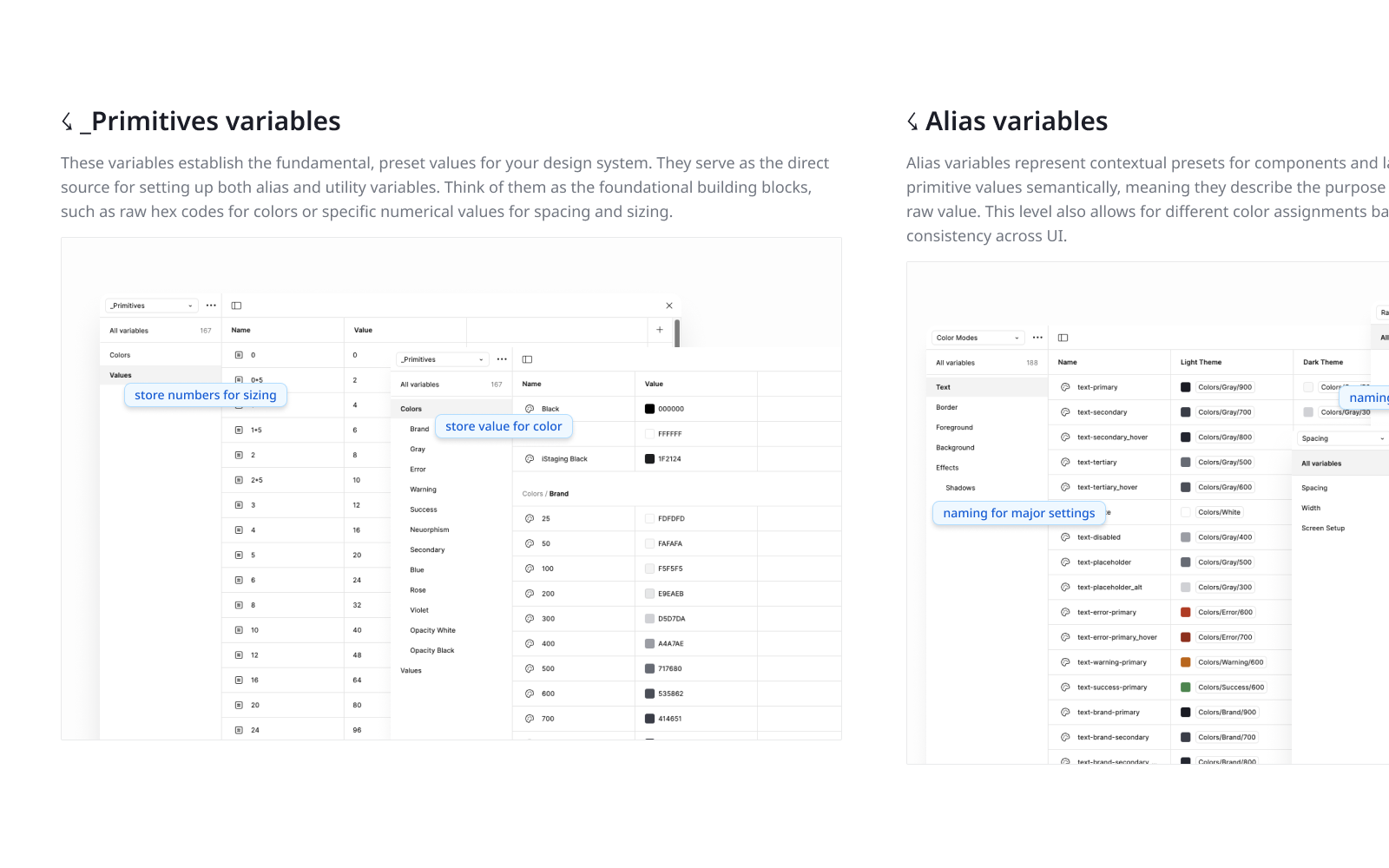
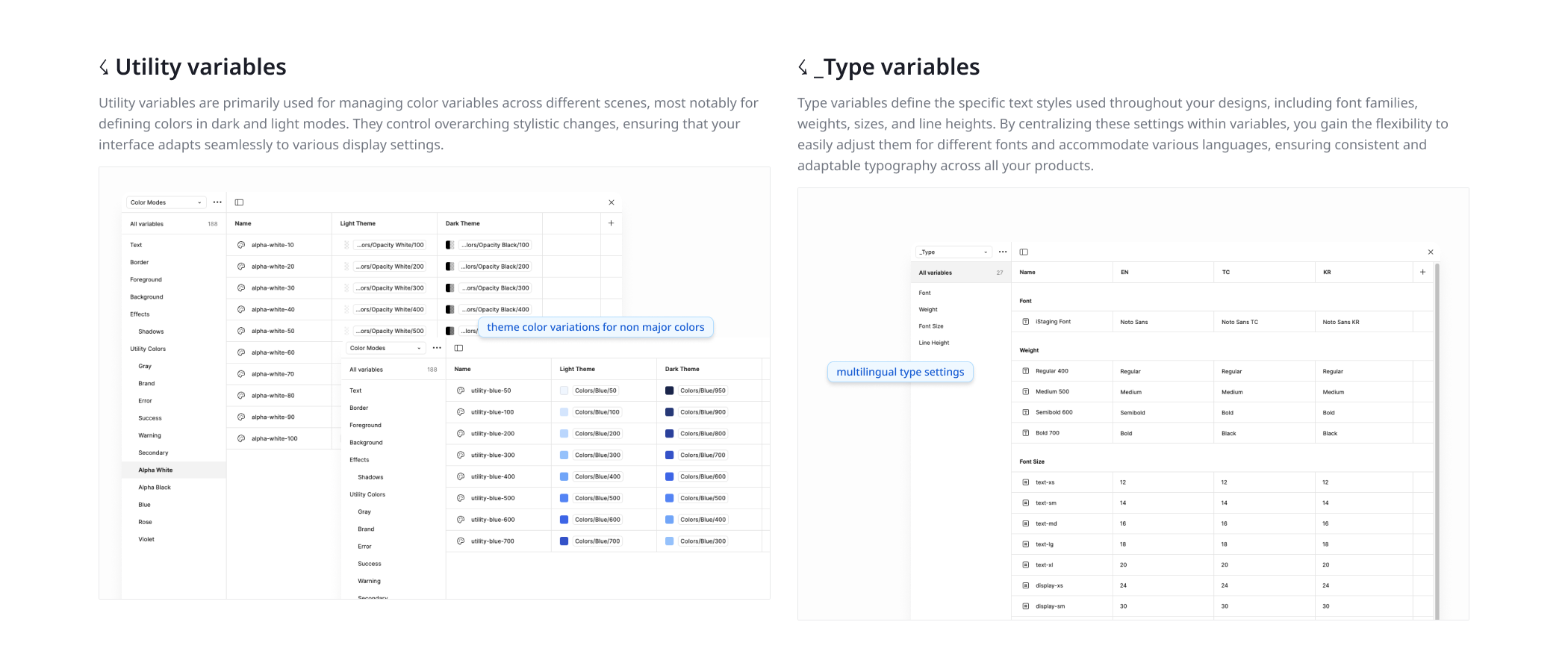
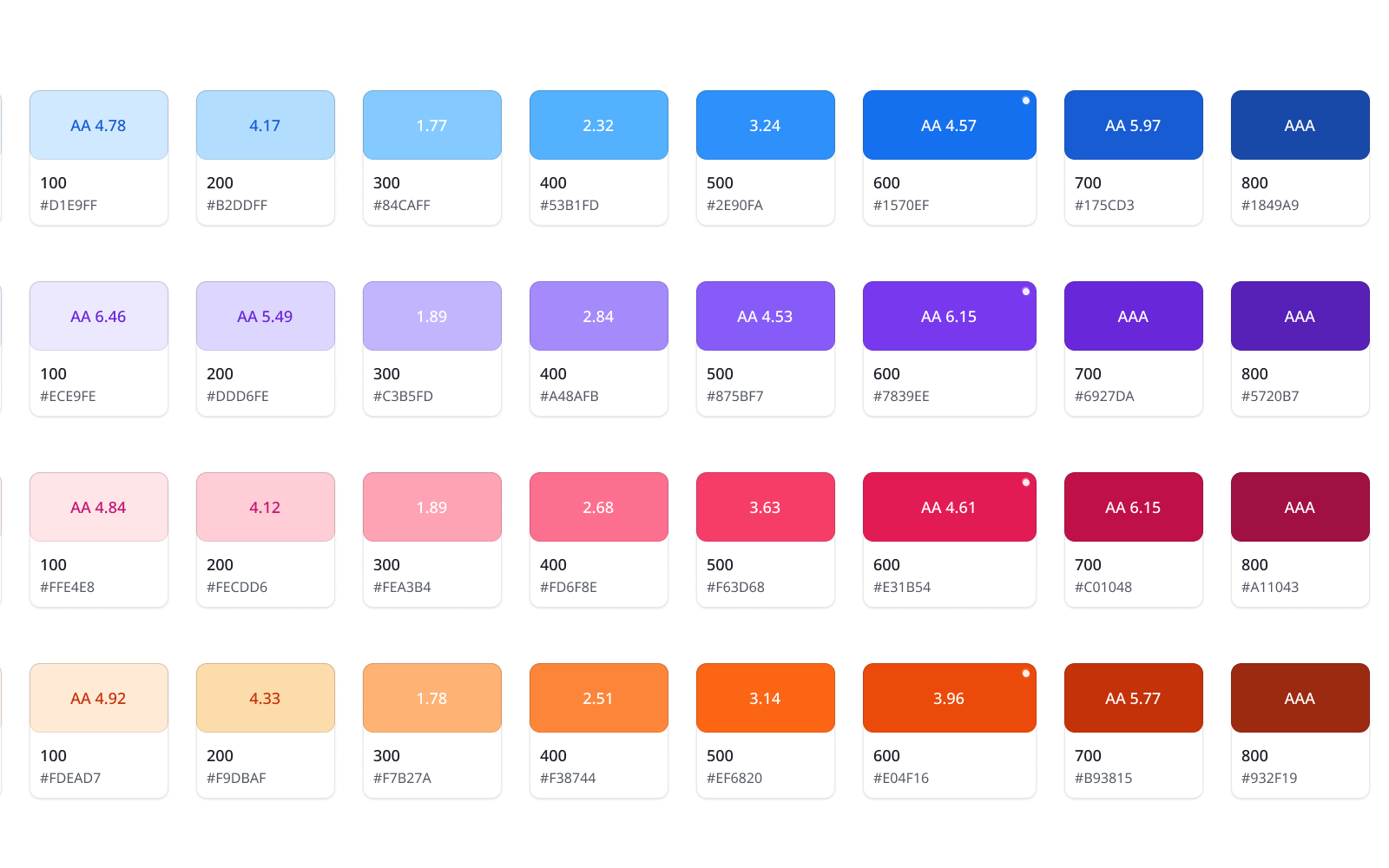
Variable-first: every color, spacing value, radius, and type scale is a Figma variable.
One change must cascade everywhere — and structured variables are machine-readable.
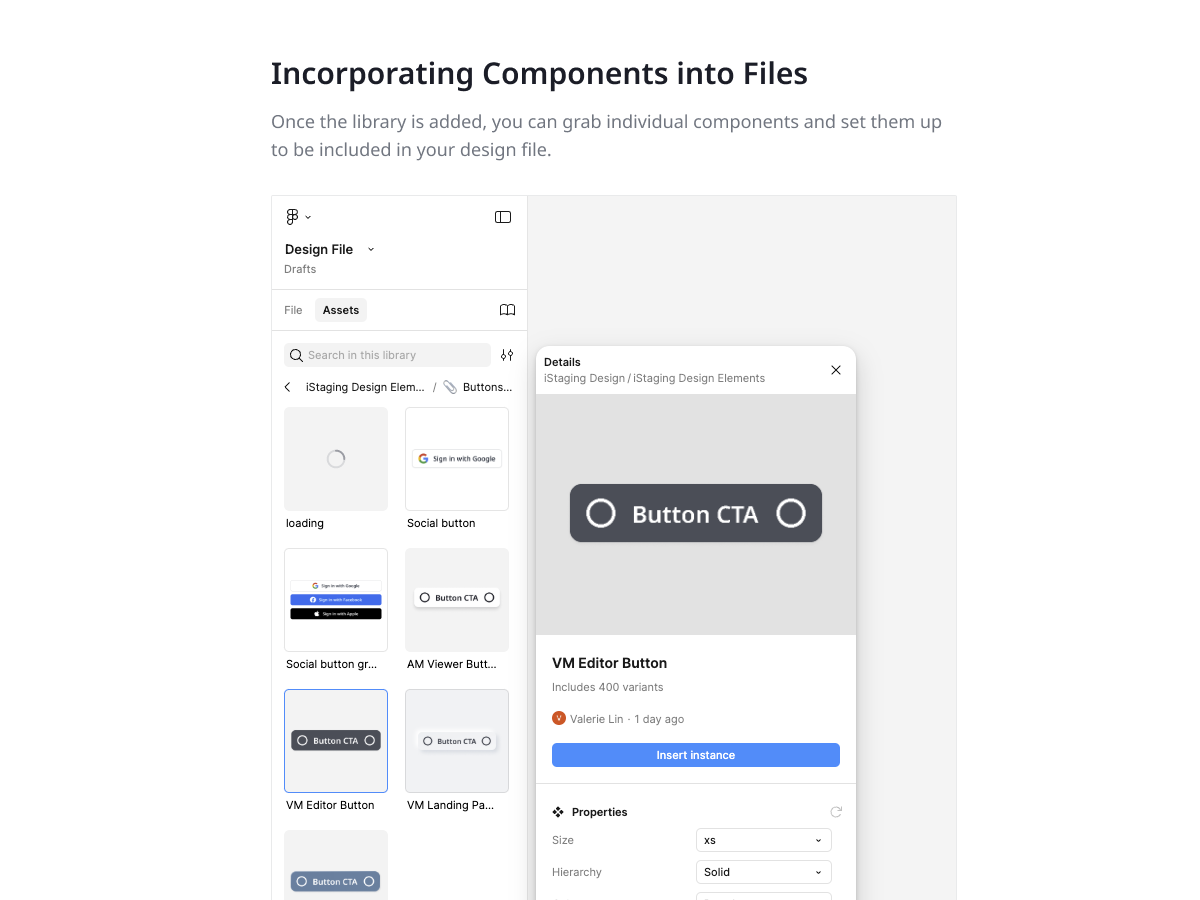
Five product libraries collapsed into one variable-driven source.
Token names that speak CSS
Design systems die in translation between design names and code names.
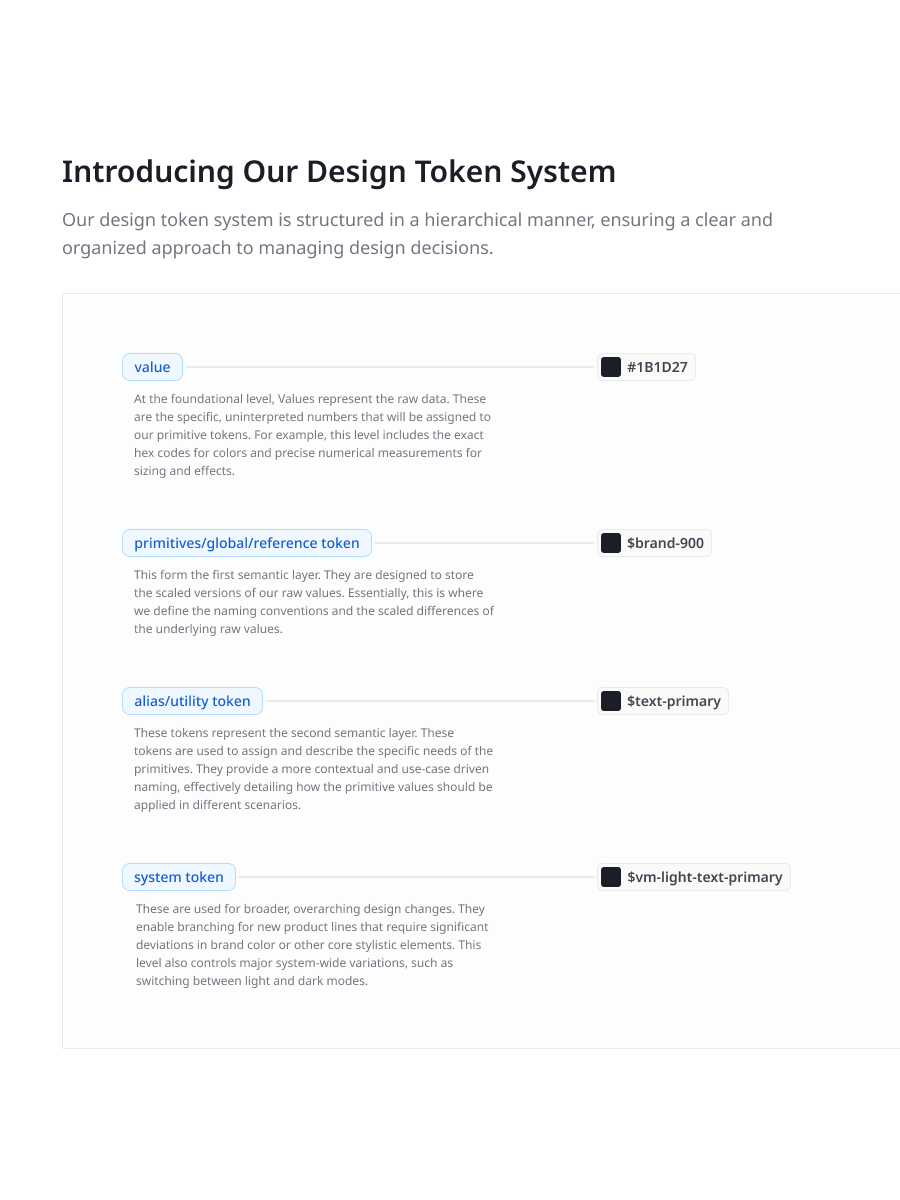
A primitive → semantic → component hierarchy mapping 1:1 to CSS custom properties.
If developers need a lookup table, they won't use it — and neither will AI.
Figma and the codebase share one language; handoff roughly 60% faster.
AI as a system consumer
For a one-person team, a system that only documents is dead weight.
Structure tokens and modes so Claude parses the .fig files against the codebase.
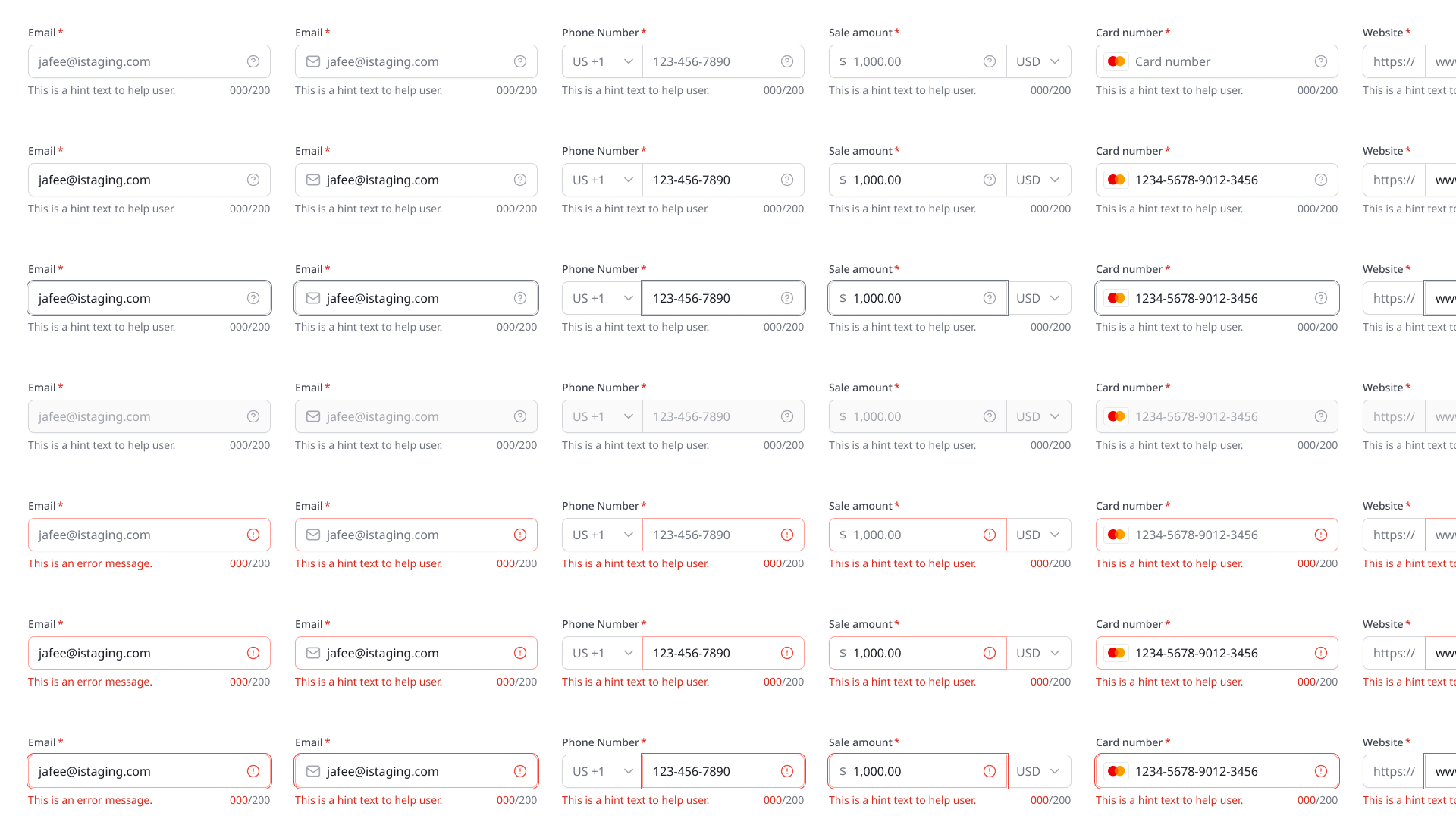
Systematic naming lets AI generate on-brand output without manual translation.
Brand-consistent prototypes in hours instead of days.

Dual-mode components
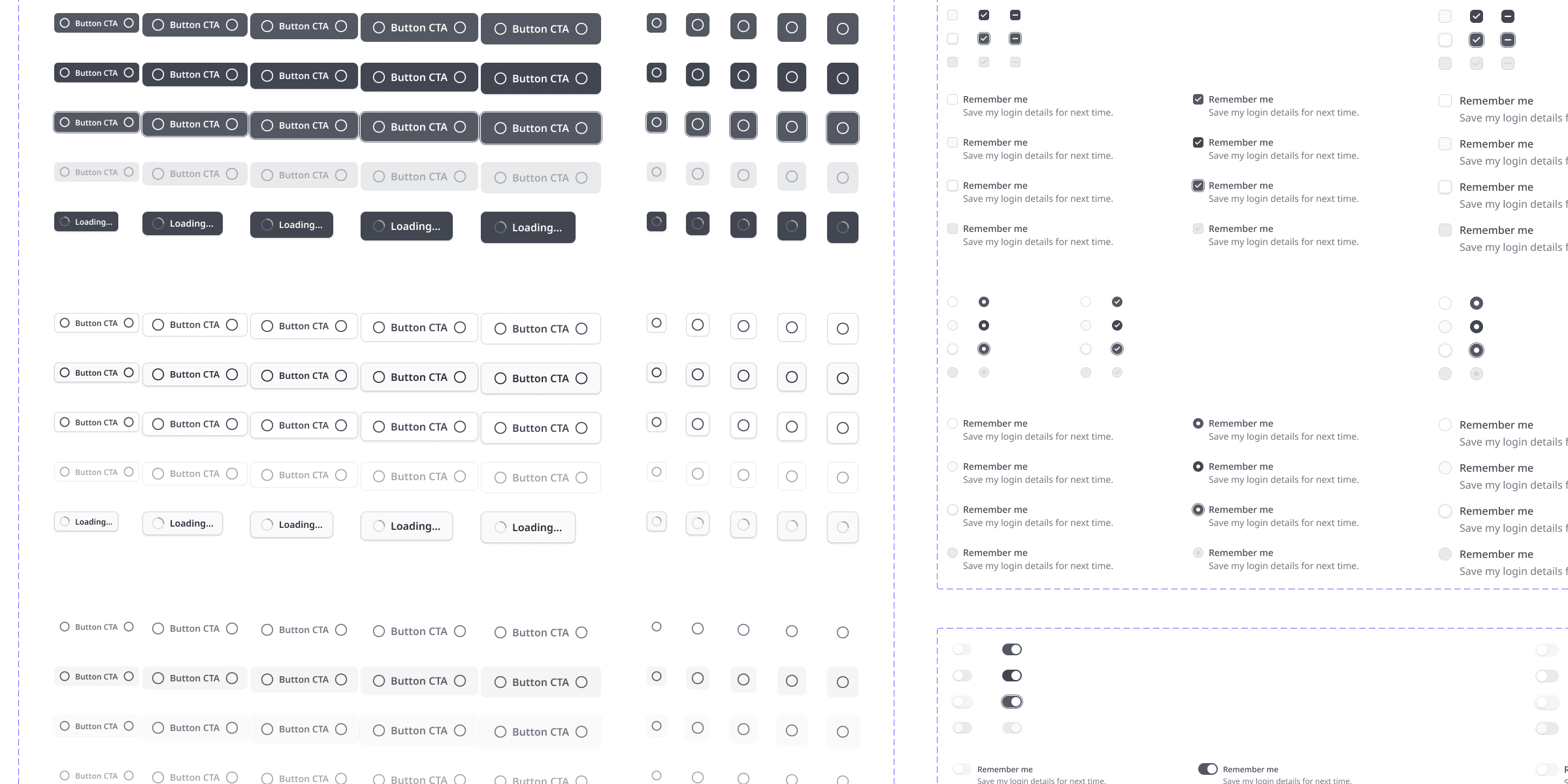
The same component renders solid in the CMS and glass in the spatial viewer.
AI-native tokens
Claude reads the token structure to generate branded, code-ready output.
80/20 coverage
Maintained components for repeated patterns; documented principles for the rest.
The trade-off — I invested in variable architecture when Figma variables were new and unstable. Setup cost was high, but it bought automatic cascade and AI-readability — the two properties everything else depends on.
What I'd improve — documentation for the unmaintained 20% of patterns is principle-based; worked examples per product would reduce drift.
Next time — design systems should be built as data from day one. The AI leverage came entirely from structure, and I would formalize token export even earlier.