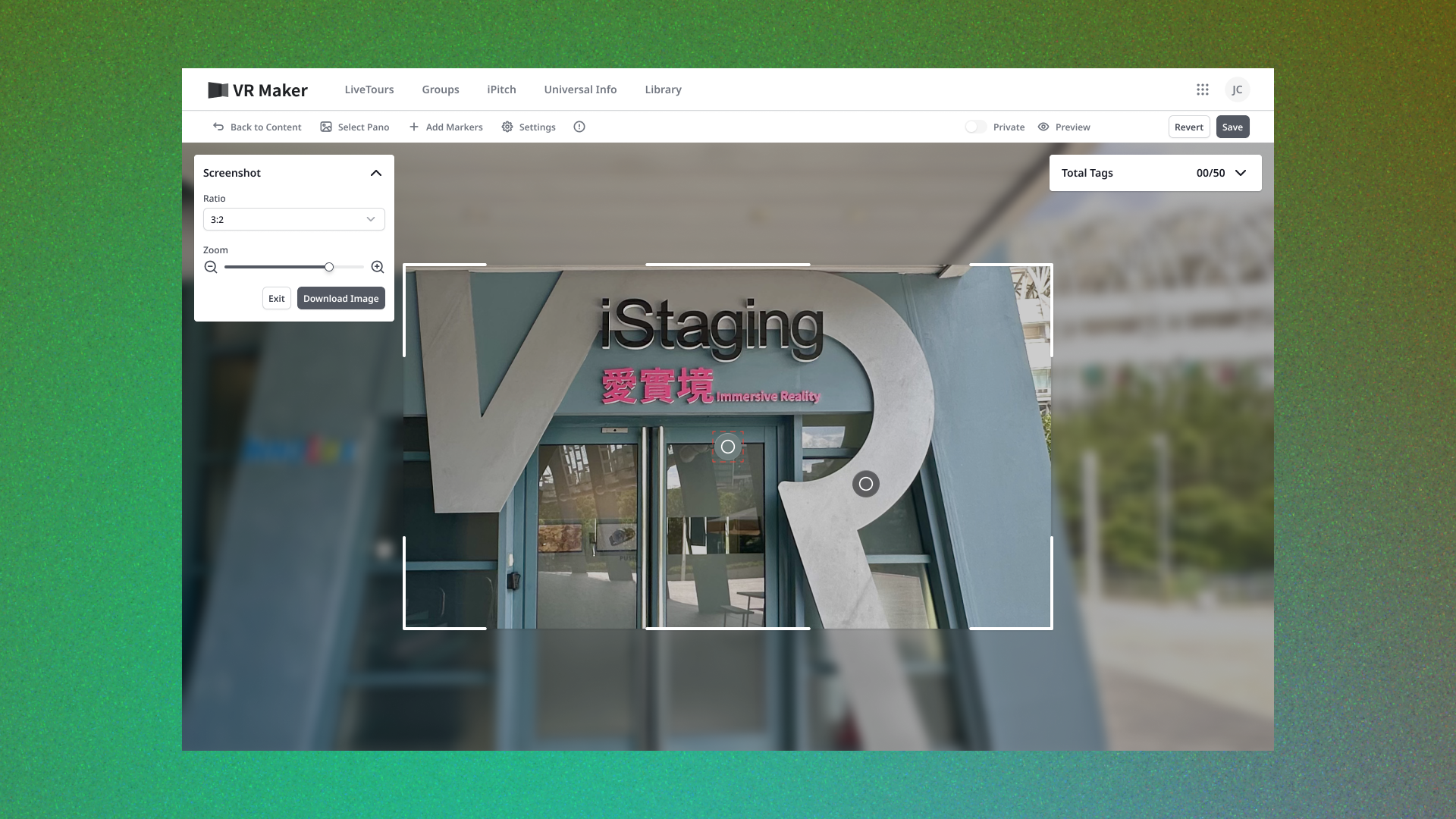
CMS Marker Editor — From Ten Types to One Intent
Replacing a rigid type-first marker system with a markers-actions-content framework — users create by intent, and every legacy marker migrates without breaking.

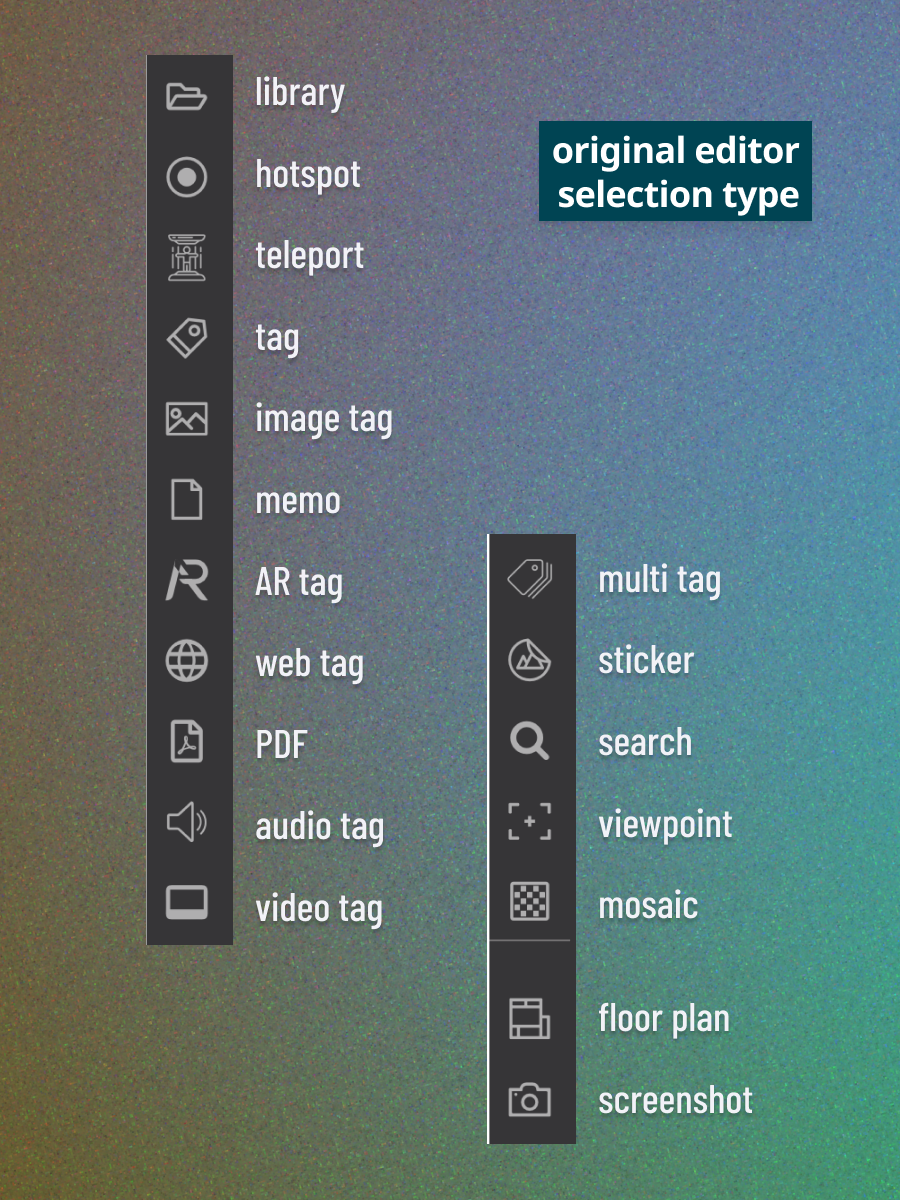
Ten marker types nobody could keep straight — one intent underneath.
Business
- Reduce support load from the platform's most-used feature
- Ship without breaking existing tours
User
- Create by intent, not system taxonomy
- Choosing wrong meant delete and start over
Technical
- 10+ legacy types, each with its own editor
- Full migration with zero data loss
Taxonomy before creation
Users had to learn the system's categories before making anything.
Ten editing interfaces
Every marker type carried its own UI and its own quirks.
Silent migration
Every placed marker across live tours had to convert invisibly.
Power without complexity
The flexible model could not overwhelm simple use cases.
I redesigned the editing logic itself — the model, not just the surface.
Owned
- Editing Logic Redesign
- Interaction Framework
- Migration Strategy
- UX/UI Design
Collaborated with
- Product Manager
- Platform Director
- Engineering
Flipping the model from type-first to intent-first.
Markers, actions, content
The 10+ types were really combinations of the same underlying pieces.
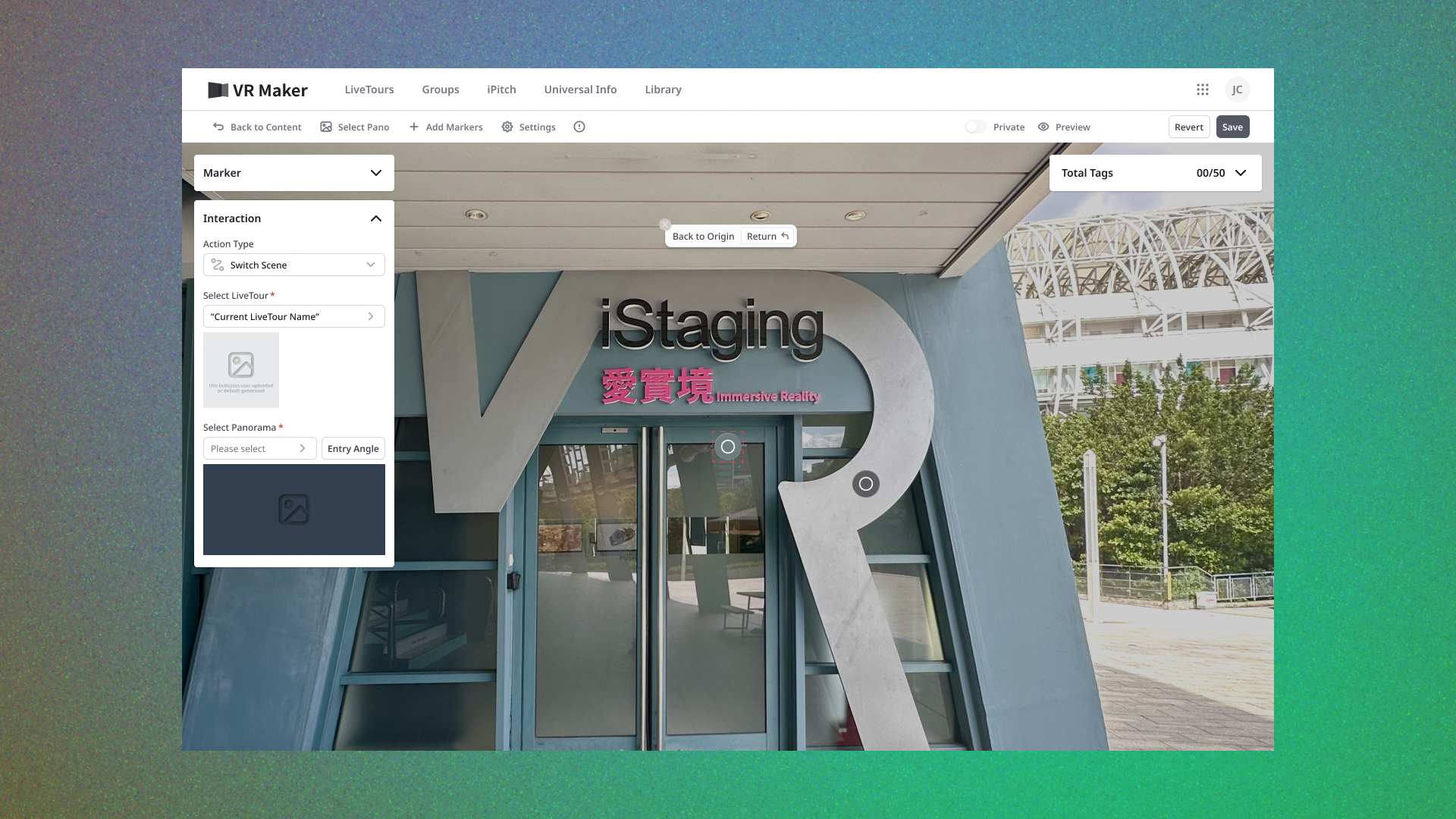
Decompose into one framework: a marker triggers an action that shows content.
Three orthogonal choices replace ten memorized taxonomies.
One editor replaced ten separate interfaces.
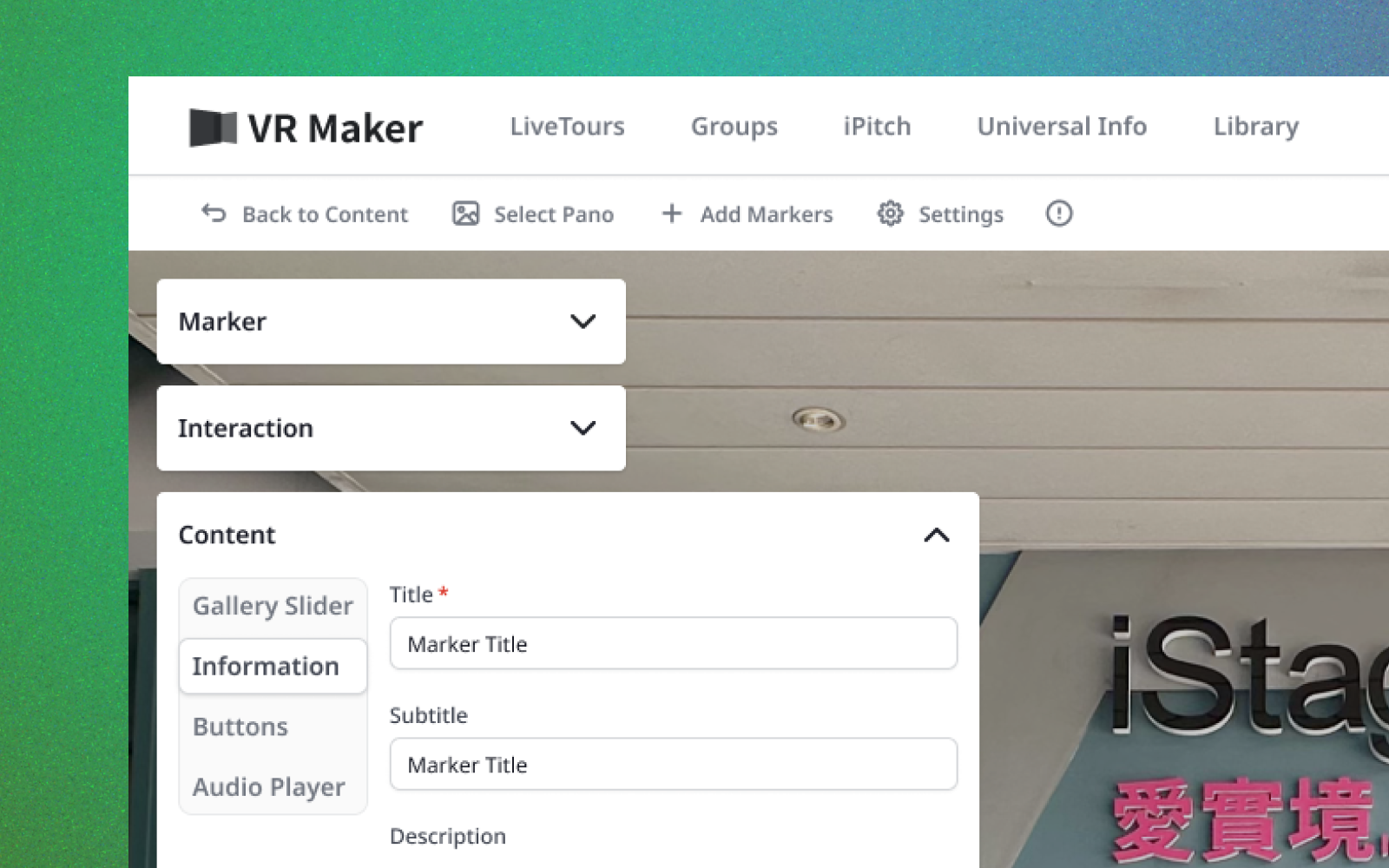
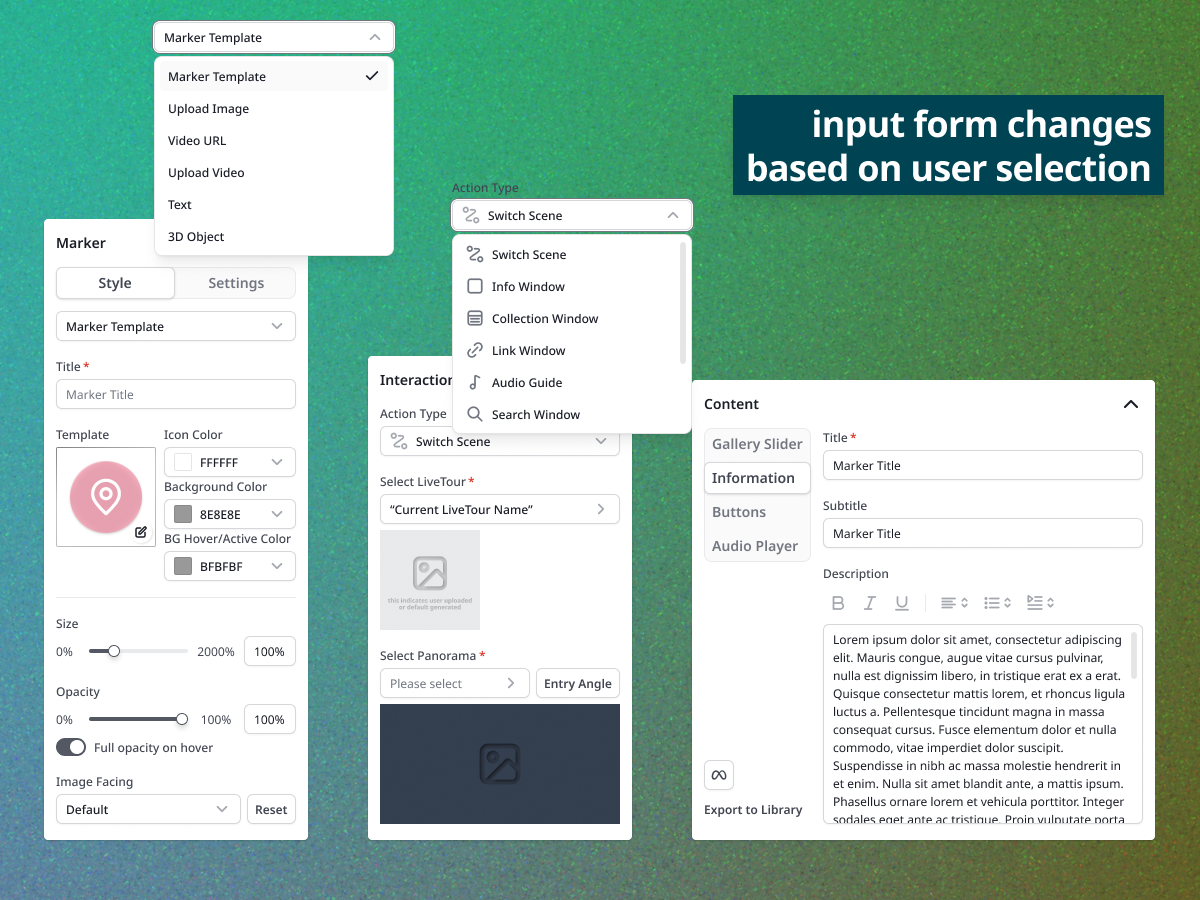
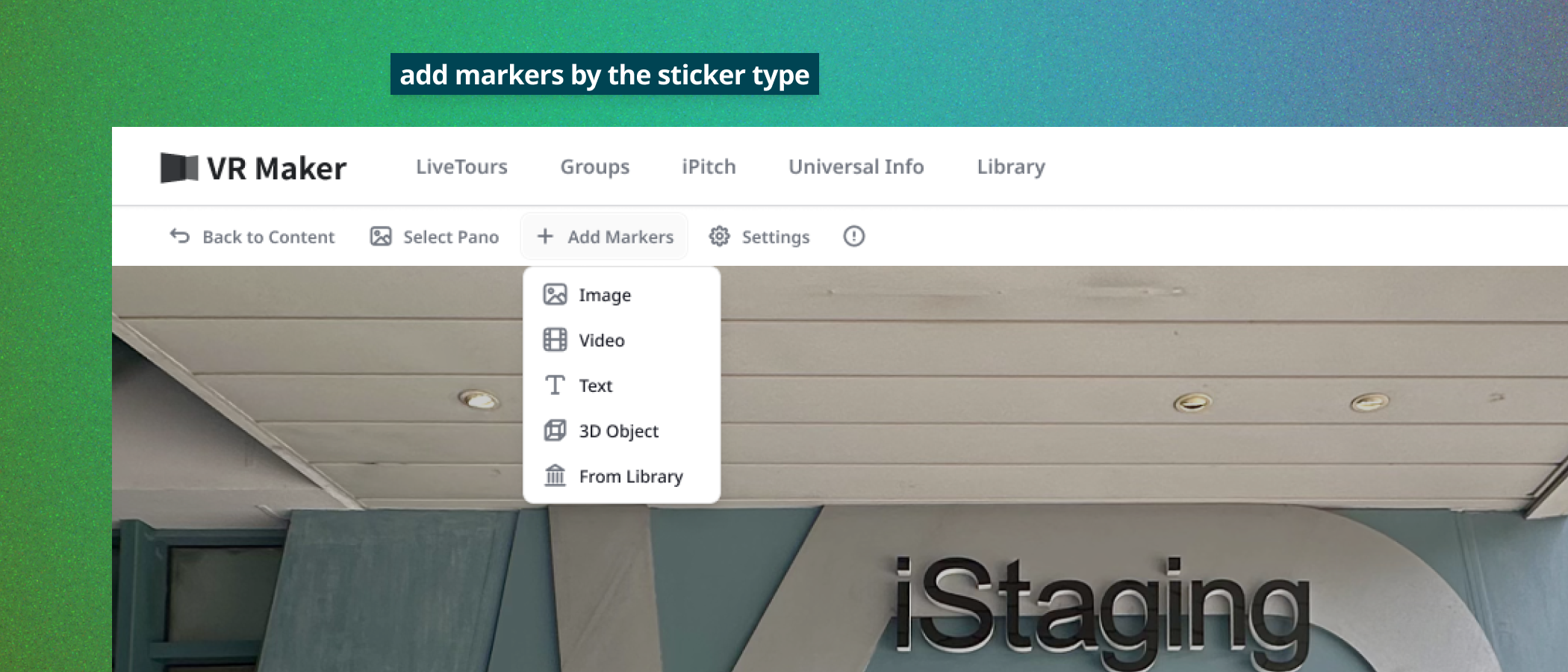
Start from intent
Users think “show a photo gallery here,” not “image tag.”
Creation starts with what should happen — not with which type to pick.
Matching the user's sentence structure removes the wrong-choice failure mode.
Choosing wrong — and starting over — disappeared as a failure mode.
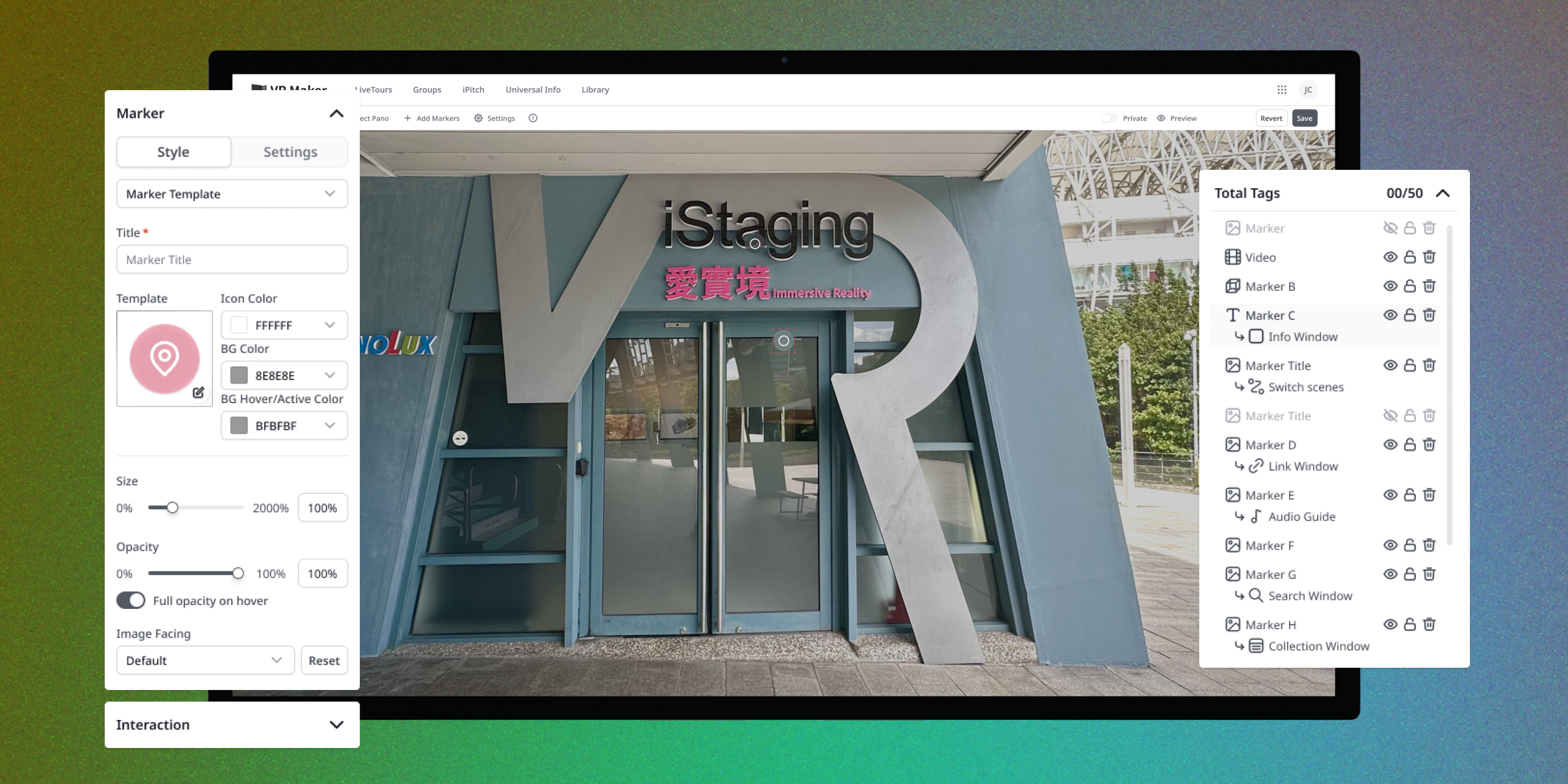
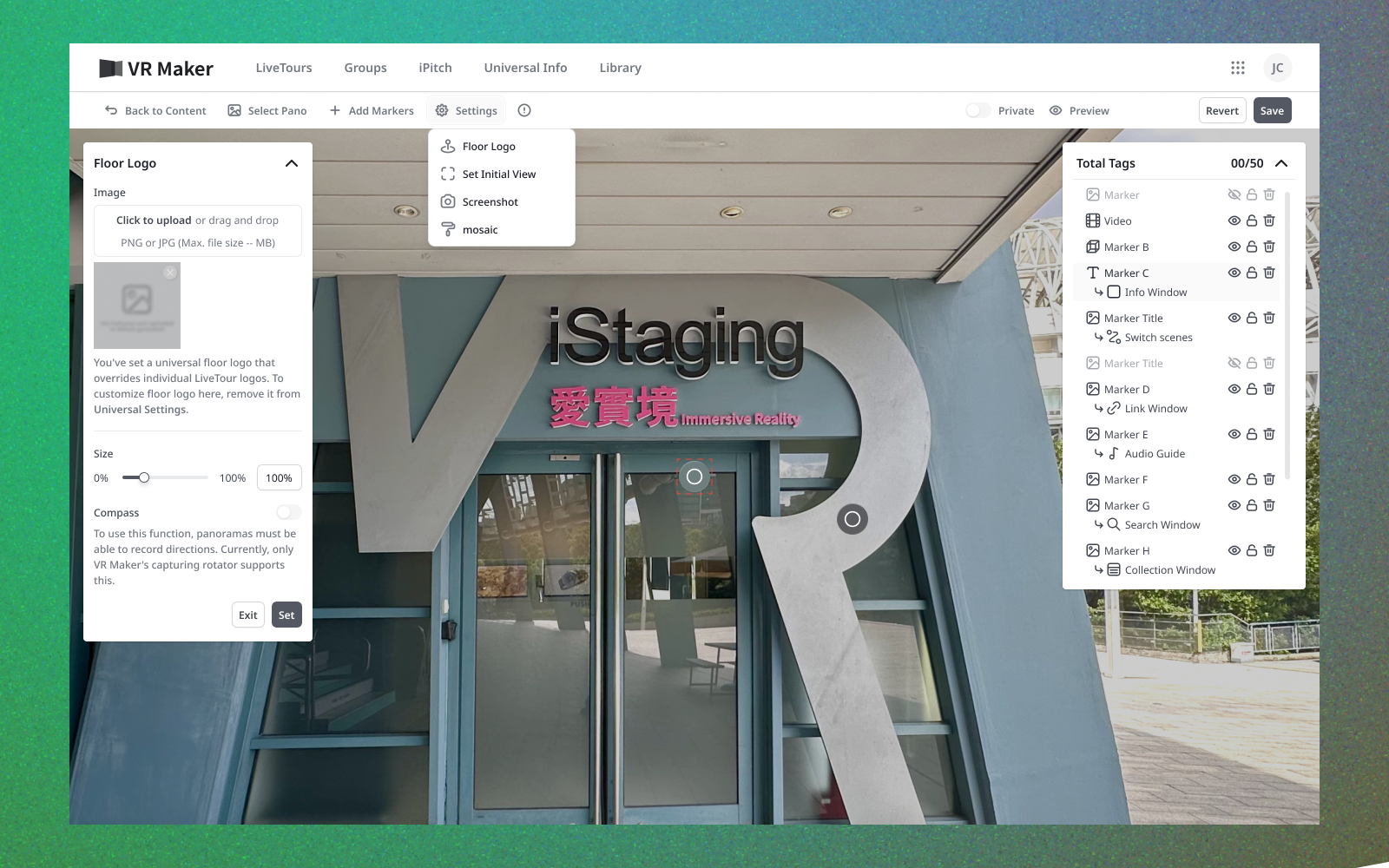
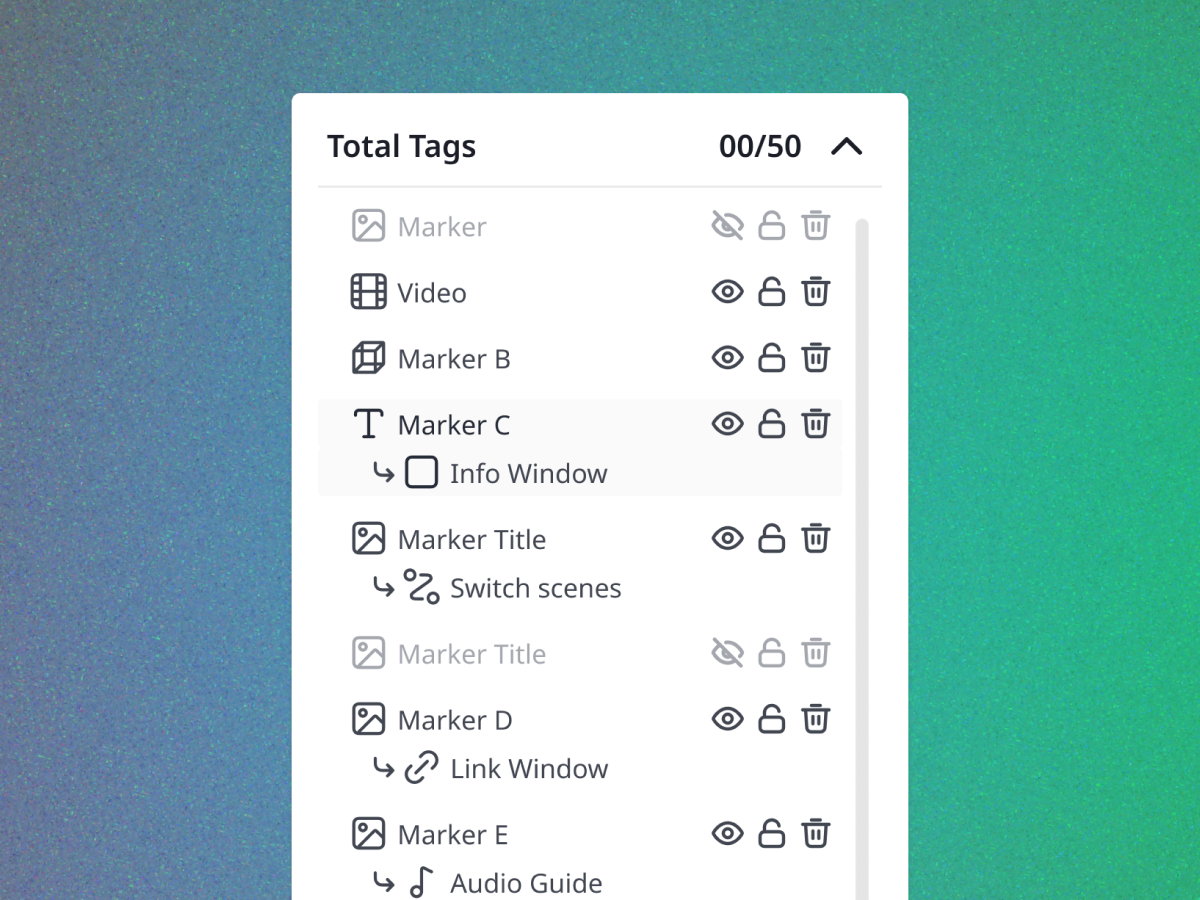
A layers panel for everything placed
Once a scene held dozens of markers, finding one meant hunting around the panorama by eye.
Add a panel that counts and lists every marker as a layer — select, duplicate, delete, lock, reorder, and read its type at a glance.
A spatial canvas needs a non-spatial index, the same reason every design tool pairs a canvas with a layers list.
Selecting a row moves the 360° view to that marker, so locating one no longer depends on remembering where it was put.
Composable framework
Marker × action × content replaces enumerated types.
Intent-first creation
Build from the outcome backwards.
Lazy migration
Legacy markers convert on open — invisibly.
The trade-off — I rebuilt the model instead of polishing ten editors. It was slower to ship, but polishing a wrong taxonomy would have compounded the debt.
What I'd improve — progressive disclosure for advanced actions — the framework's full power deserves a gentler ramp.
Next time — when a feature confuses everyone, question its ontology before its interface. The fix was in the model, not the buttons.