Parsons — Onboarding a Campus You Can't Visit
Three motion-graphic onboarding videos made for the Parsons IT department during COVID — sent to every incoming student and published on the school's site.

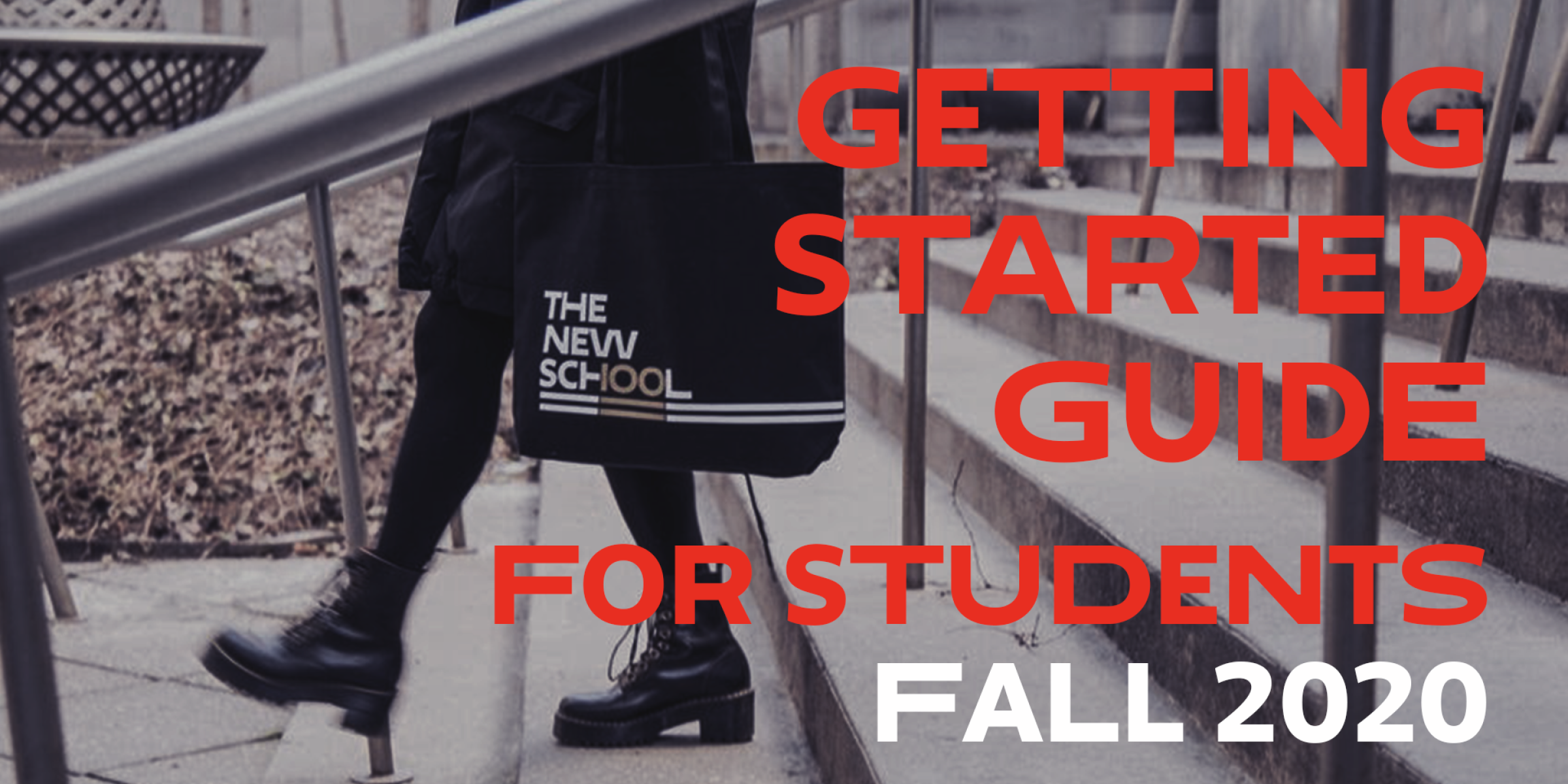
Onboarding a campus you can't visit, for students you can't meet.
Brief
- Three onboarding videos for the IT department
- Plus the supporting graphics around them
Audience
- First-year students starting Fall 2020 remotely
- No campus tour, no walk-in help desk
Constraint
- Campus closed — nothing could be filmed
- One pass had to work for every incoming student
I produced all three videos end to end, plus the graphics around them.
Owned
- Motion graphics
- Video production
- Supporting graphics
- Delivery
Collaborated with
- Parsons IT department
- Customer experience
- Marketing
Three videos, for the three things nobody could ask in person.
Getting Started, Fall 2020
The first thing a new student saw. One menu sorts the whole department into three doors — Account & Access, Software & Downloads, IT Support — then walks through single sign-on, the NetID, and the apps waiting behind it.
The office suite, downloaded and signed in
An introduction to what students already have with Microsoft 365, and to the two steps that actually stop them: how to download the suite, and how to sign in with a school account.
Somewhere to reach a person
Rooms, direct messages, and the people behind them — how to find peers and professors and start a conversation, on a campus where nobody could knock on a door.