CURATOR Hardware — Motion & Video Editing for InnoGallery
Six motion and video pieces for Innolux's InnoGallery frames — from a 60-frame power-on to a burn-in-safe greyscale screen — in four languages and two weeks.


Every second the frame is on screen is brand time.
Brief
- Branded moments from power-on to the first artwork
- A pitch video of the full experience for handoff docs
Audience
- Hotels, galleries and retail spaces buying premium displays
- Buyers reading English, Chinese, Korean and French
Constraint
- Two weeks for six motion and video pieces
- Panels risk an afterimage after 8 hours on one image
I owned every moving pixel end to end — from storyboard to the final edit.
Owned
- Motion concept & storyboard
- Video editing & sound
- After Effects animation
- PDF user manual
Collaborated with
- Innolux hardware — panel specs
- Android engineering — playback
- Product — device states & translations
Make the screen feel like a gallery, not a gadget.
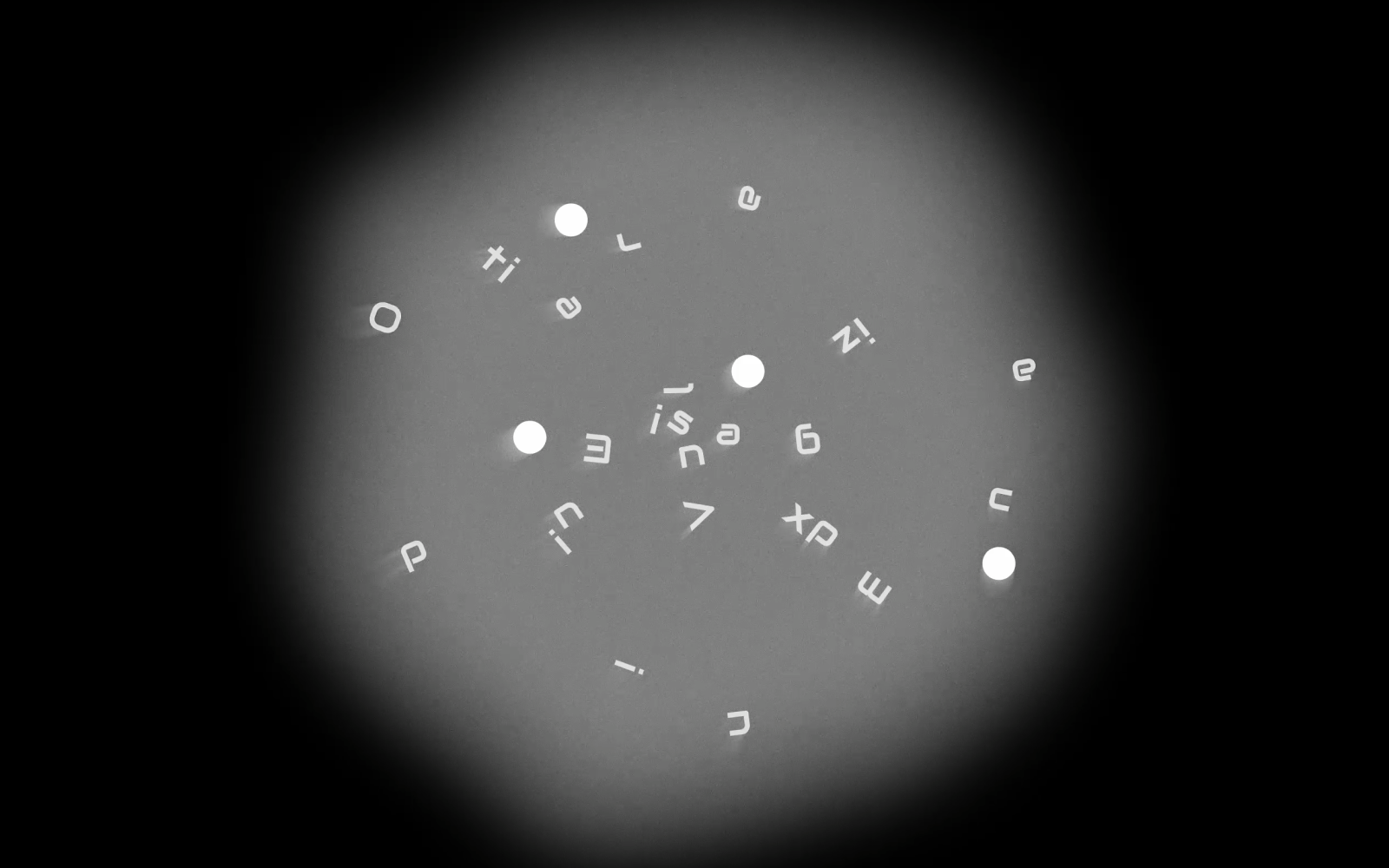
“c ur art” becomes CURATOR
Each app launch needed a brand moment that explains a new product name in seconds.
A 5-second opening on every app launch, where “c ur art” (see your art) re-orders into CURATOR.
Letting the name form from its meaning teaches the brand without a line of copy.
Every launch reintroduces what CURATOR does in five seconds.
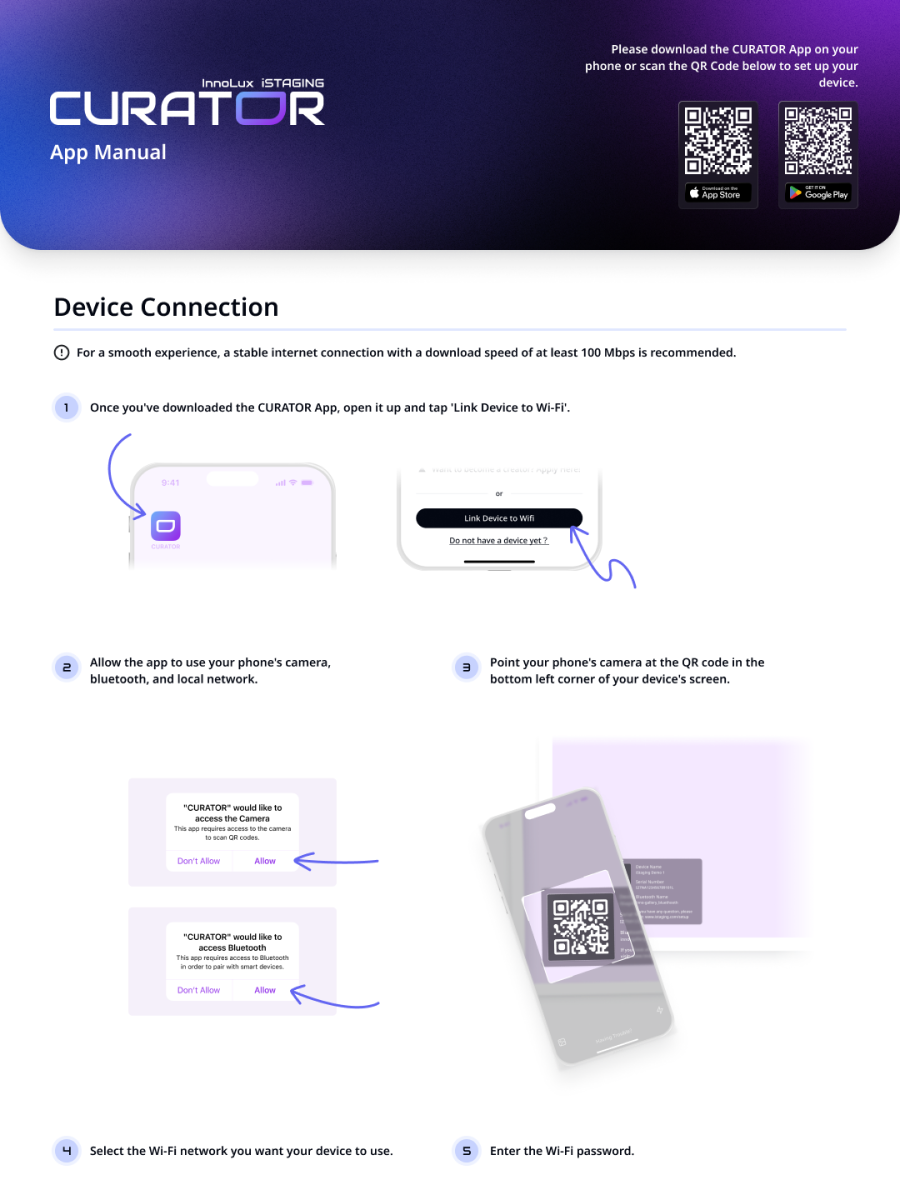
One manual, frame to app
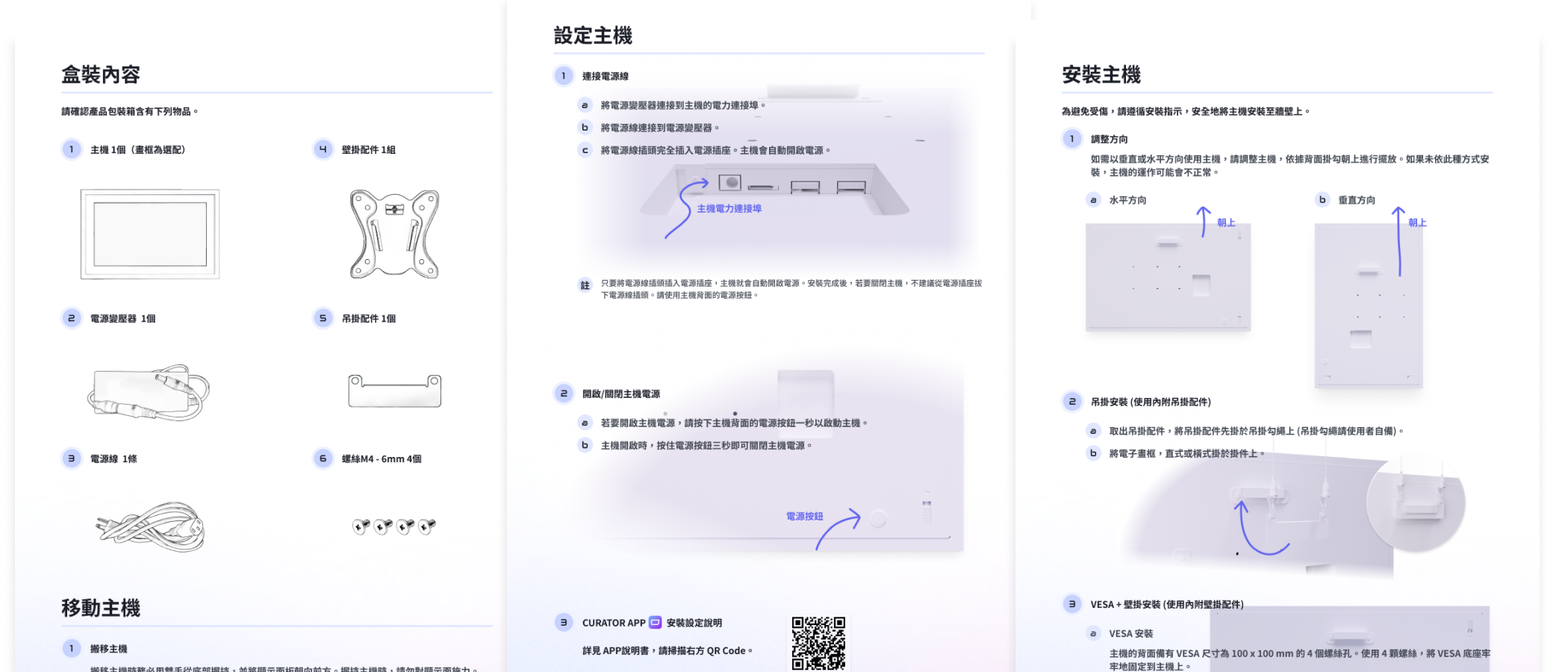
Setup spans a physical frame and a phone app, with no single guide for both.
One downloadable PDF manual covering hardware and software, from unboxing to the first playlist.
One linear path is easier to follow than switching between a leaflet and in-app help.
Users set up the frame and the app from a single source.
A square, one-minute loop
Showing one image for 8 hours risks an afterimage, and screen relief must run at least a minute.
A one-minute 1:1 greyscale loop that nods to Pac-Man and classic Windows screensavers.
A square crops to any screen with the key motion still centred, and familiar play keeps the minute from feeling dull.
The panel gets its full relief cycle, and it reads as part of the experience, not a maintenance screen.